Trimble Earthworks Operator Help
Trimble® Earthworks is a high-precision grade control platform designed to automate and guide earth moving operations. The Trimble Earthworks operator help serves as a comprehensive guide for using the grade control platform to achieve high-precision results across supported machine types. The manuals are designed to help operators of all skill levels navigate the interface and utilize the system’s automated features.
What's new in 2.25.x
- Graders: New getting started videos.
- Excavators: Swing Boom Angle on the text ribbon.
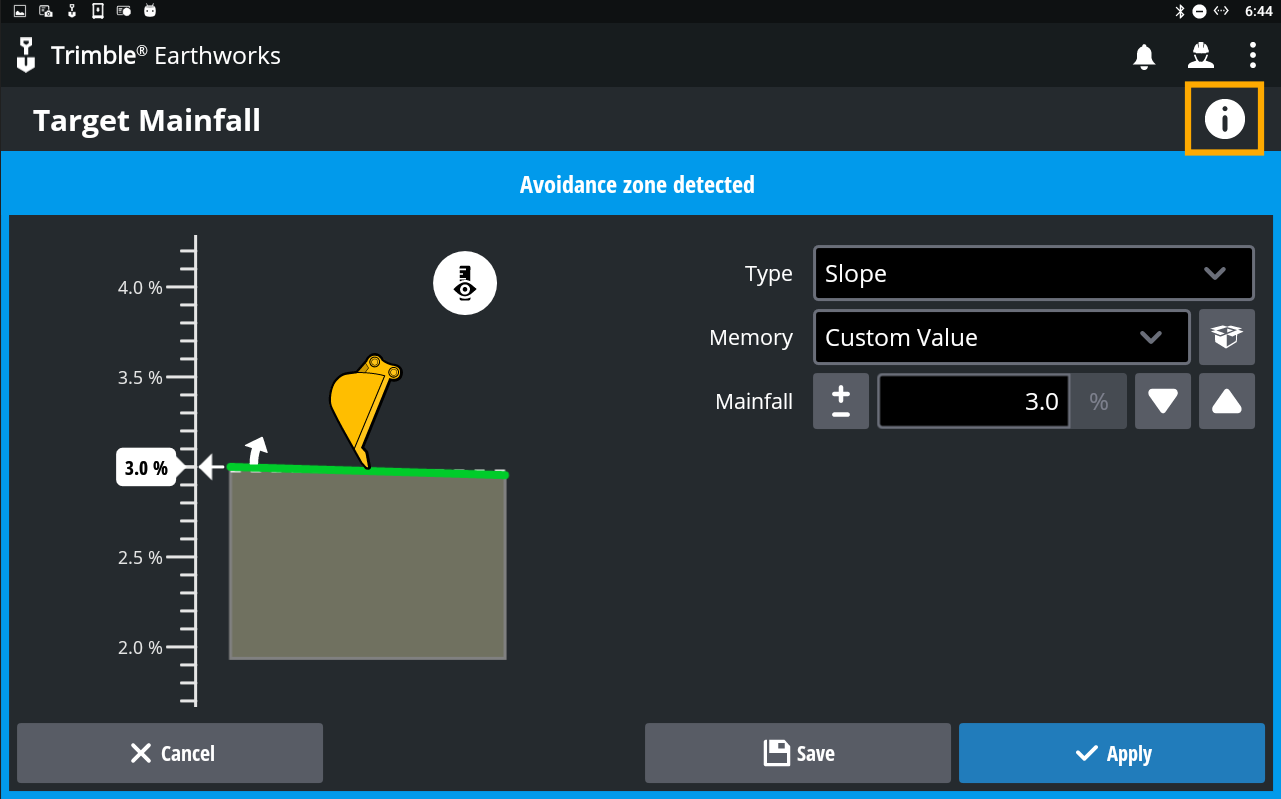
New Trimble Earthworks features and enhancements are released every quarter. To learn about the new features, tap the  icon in the top right corner of your TD5x0 screen.
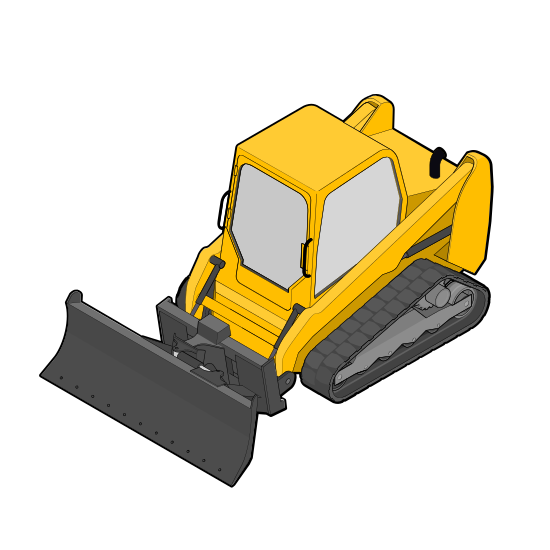
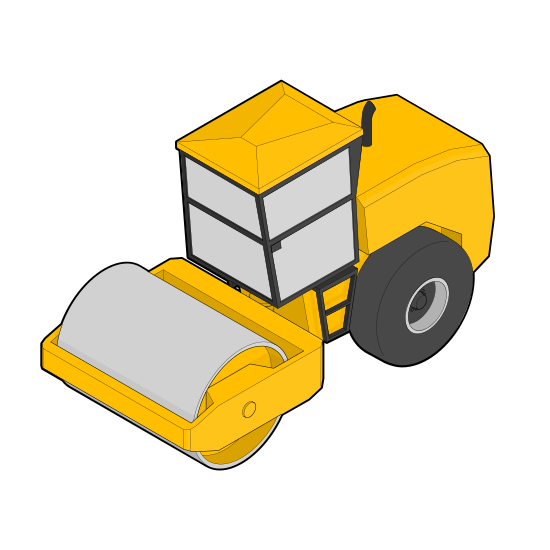
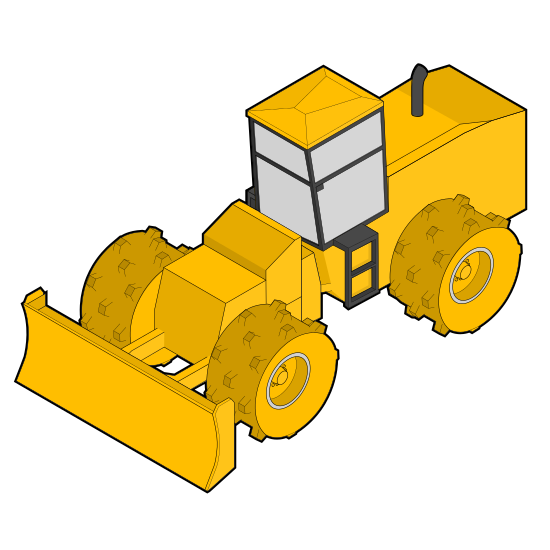
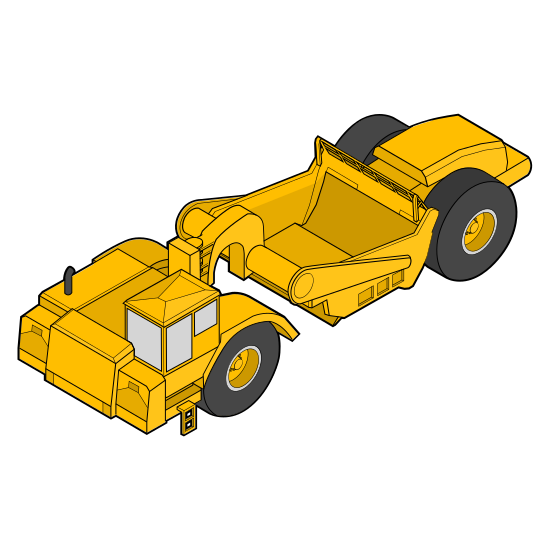
Supported machine types
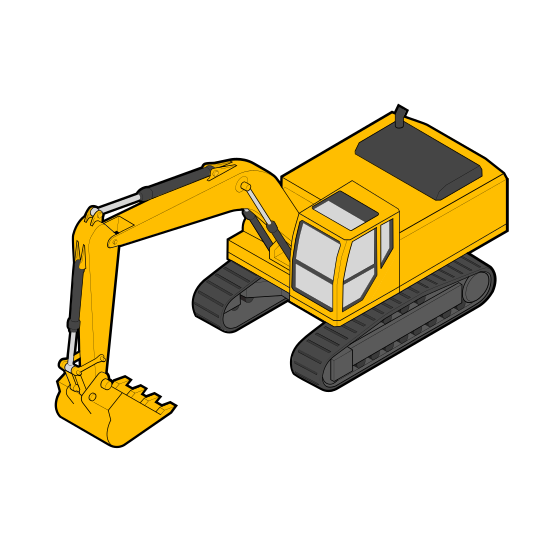
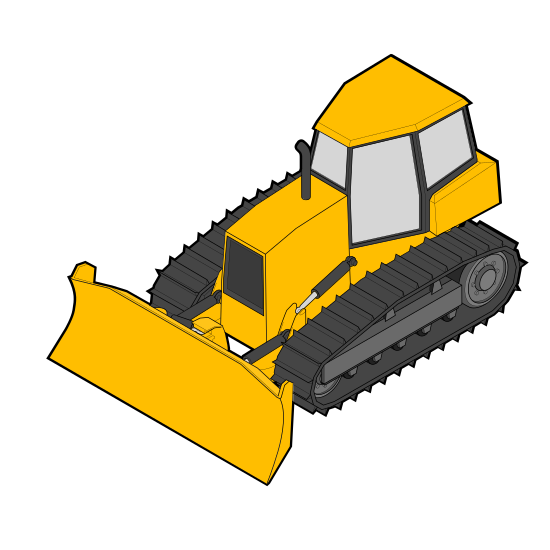
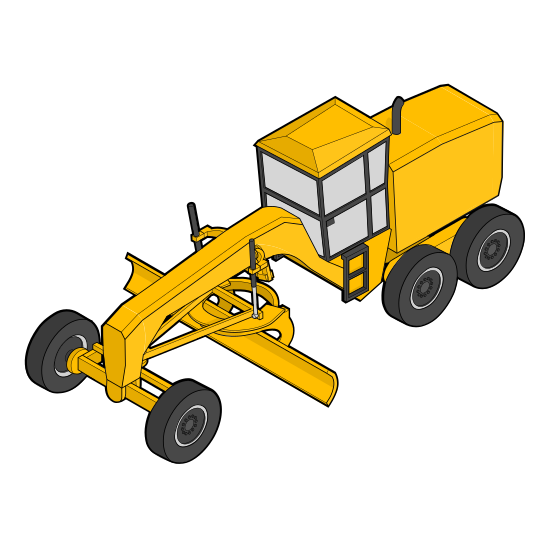
Watch the videos
Start your Trimble Earthworks journey with an expert operator on the Trimble Civil Construction channel.

More ways to learn about Trimble Earthworks
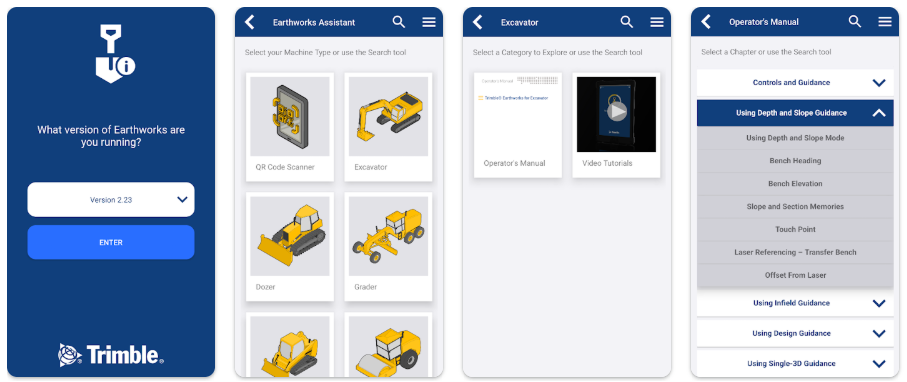
Get the Trimble Earthworks Assistant app:


Scan the QR code

Tap the information  icon on the Trimble Earthworks screen you want help with.