GNSS Layout
Once you have connected to the base station and rover and set up on the project, initialized VRS, or initialized RTX, you can now collect and lay out points, lines, and arcs.
-
Tap Measure
 and then tap Layout.
 -
Tap the point to lay out.
-
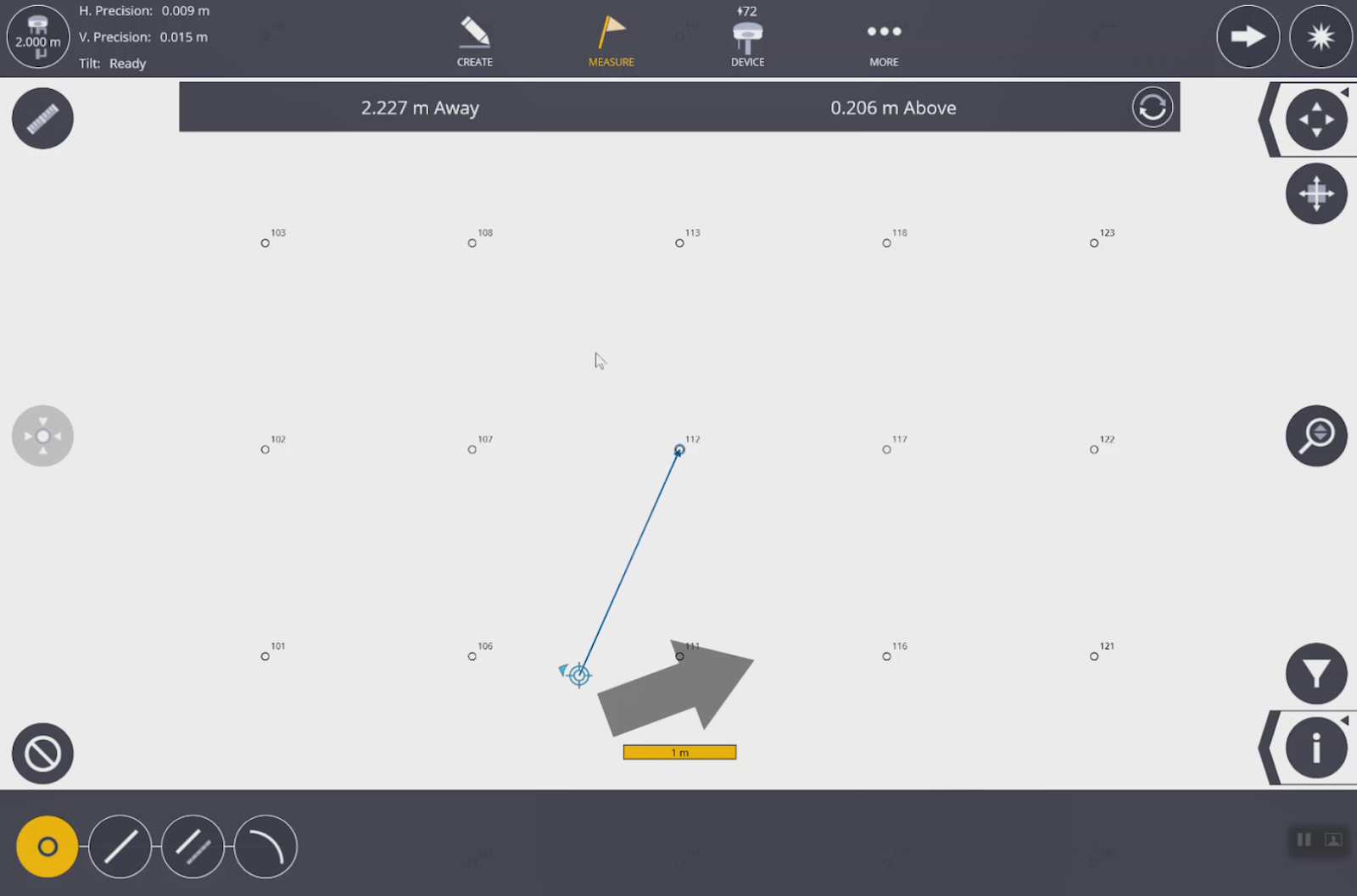
The grey arrow
 shows the direction you need to go. The smaller blue bullseye with arrow
  (available with tilt compensation) shows the direction you are pointed.
NOTE –
-
With the tilt compensator you have both indicators. If you don’t have the tilt compensator enabled only the grey arrow is shown.
-
To change between fast GNSS measurements and high precision GNSS measurements, go to Layout > Settings.
-
