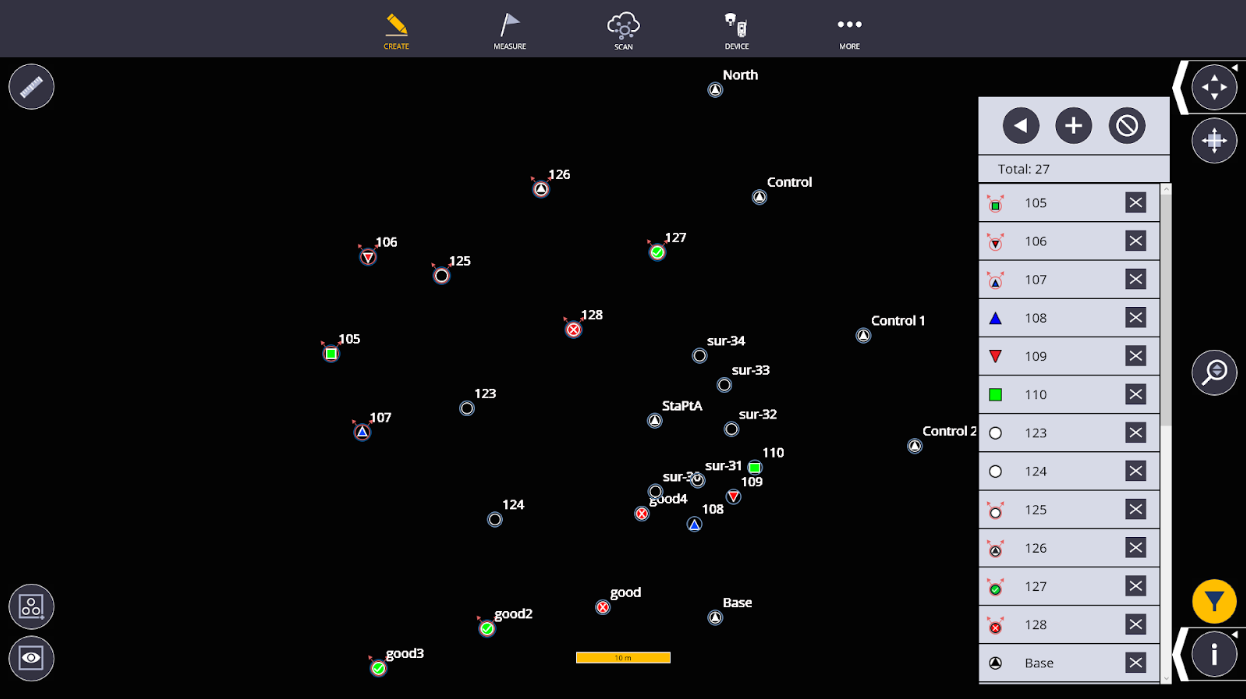
GNSS Out of Precision Point Collection and Stakeout
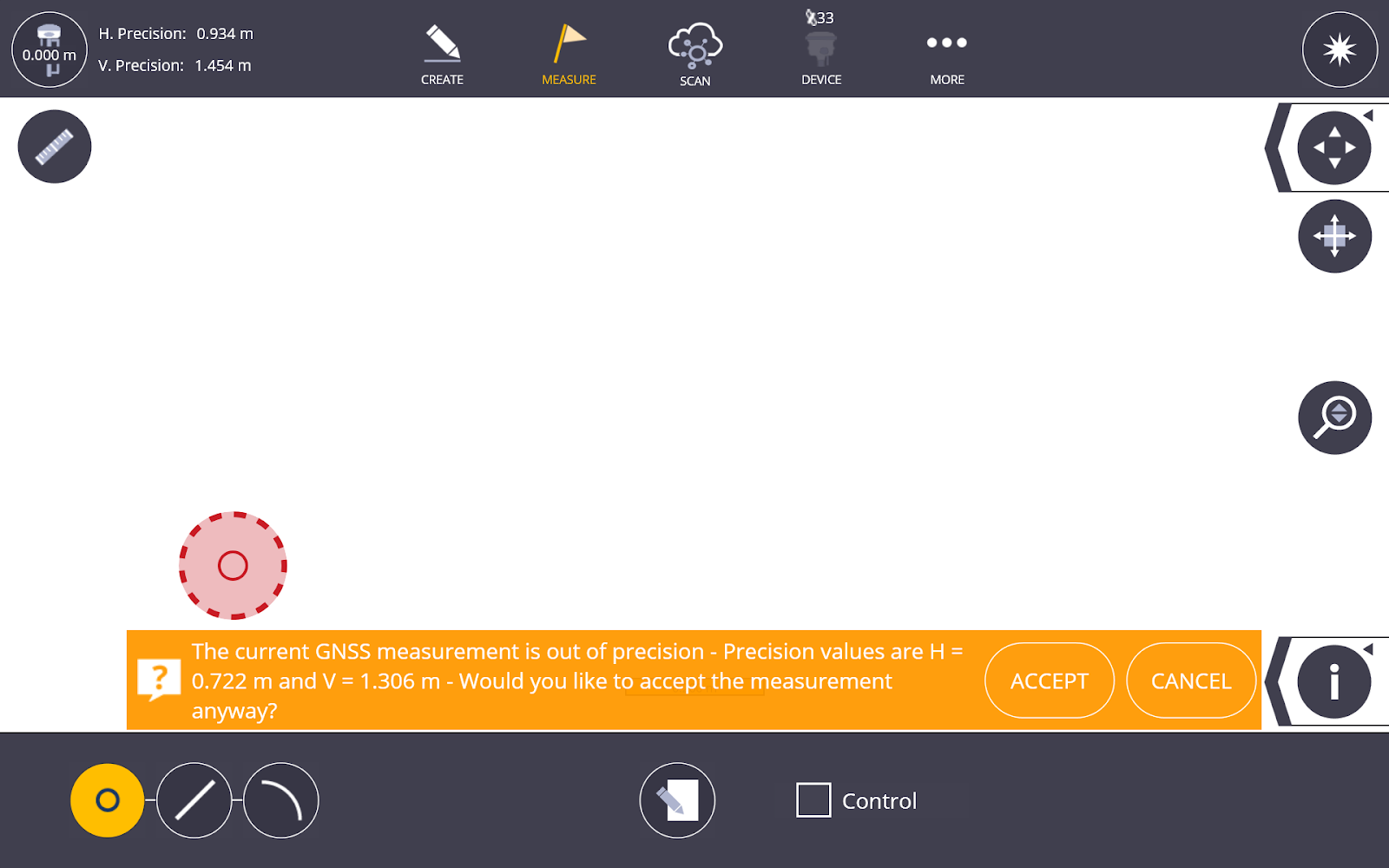
While using the Layout, Layout Plane, or Collect features with a connected GNSS receiver, this icon  will appear when the receiver is operating outside acceptable precision.
If you attempt to stake or collect a point while the receiver is out of precision and the icon above is showing in place of the receiver location, a confirmation toast will appear prompting you to confirm whether you still want to store that point.
The following point and layout types are compatible with GNSS Out of Precision, and the icons below indicate how each point was collected or staked within FieldLink:
-
 Collected Point out of Precision
 -
 Collected Control Point out of Precision
 -
 Staked Point IN Tolerance and out of Precision
 -
 Staked Point OUT of Tolerance and Precision
 -
 Staked Plane Point IN Tolerance and out of Precision
 -
 Staked Plane Point HIGH (Out of Tolerance and Precision)
 -
 Staked Plane Point LOW (Out of Tolerance and Precision)
These icons are also included in the Point Filter lists within Point Manager, Layout, and Project Export.