Connecting a tablet PC
The tablet PC can be used as a controller for the RTS series total station instrument.
Servo and Autolock mode
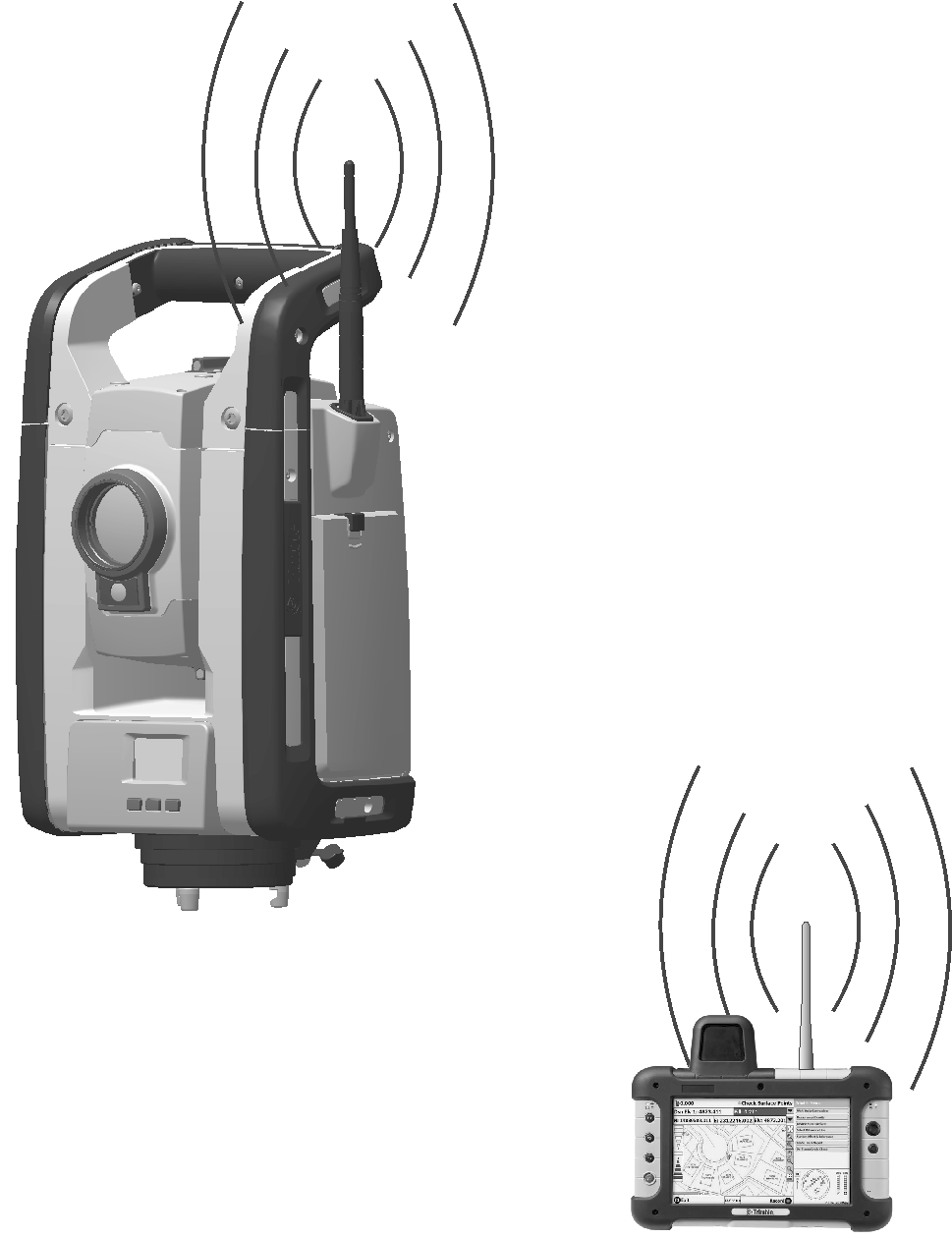
A tablet PC can be connected to the RTS series total station instrument with a cable or by use of the Bluetooth wireless technology.
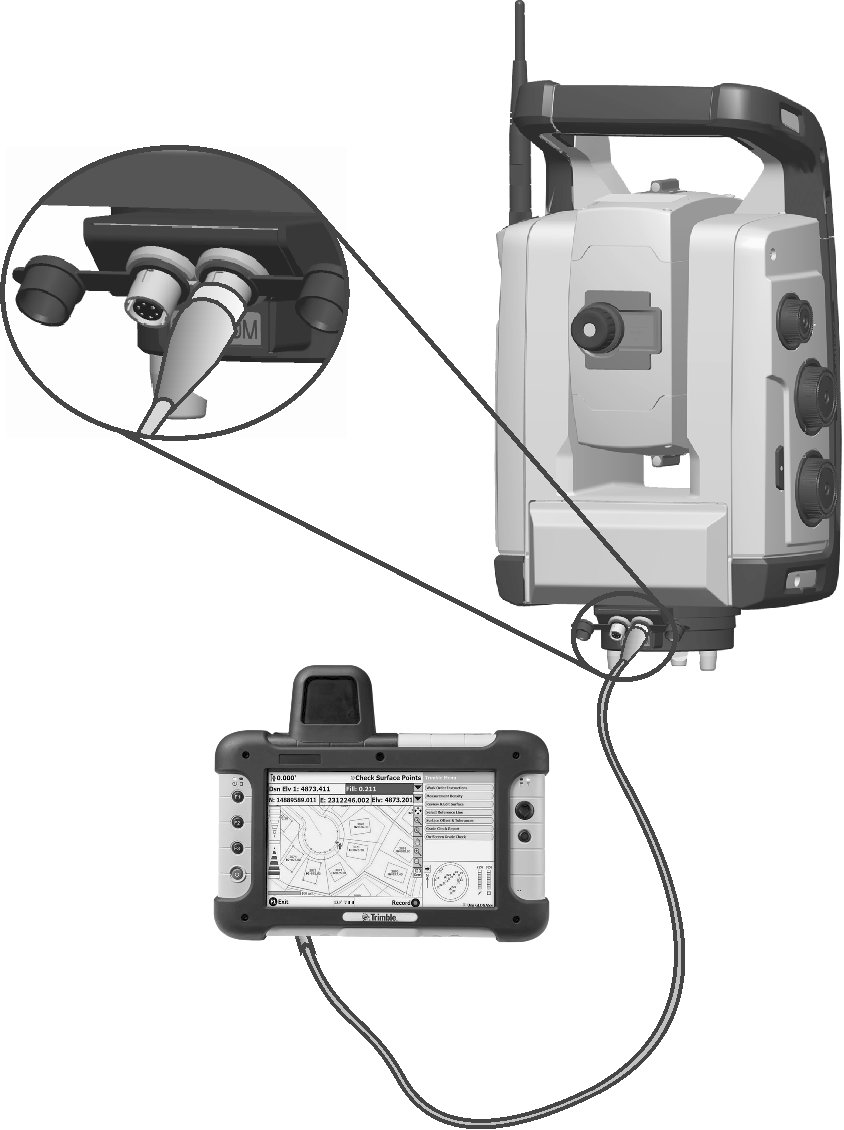
Connecting with cable
The tablet PC is connected from the RTS series total station instrument com port to the USB connector on the tablet PC using cable part number 73840001.
Connecting with Bluetooth wireless technology
CAUTION – Before starting the Bluetooth device, make sure that the regulations of the country that you are working in allows the use of Bluetooth wireless technology.
The tablet PC has built-in Bluetooth wireless technology. Not all instrument models support Bluetooth wireless technology.
Robotic mode
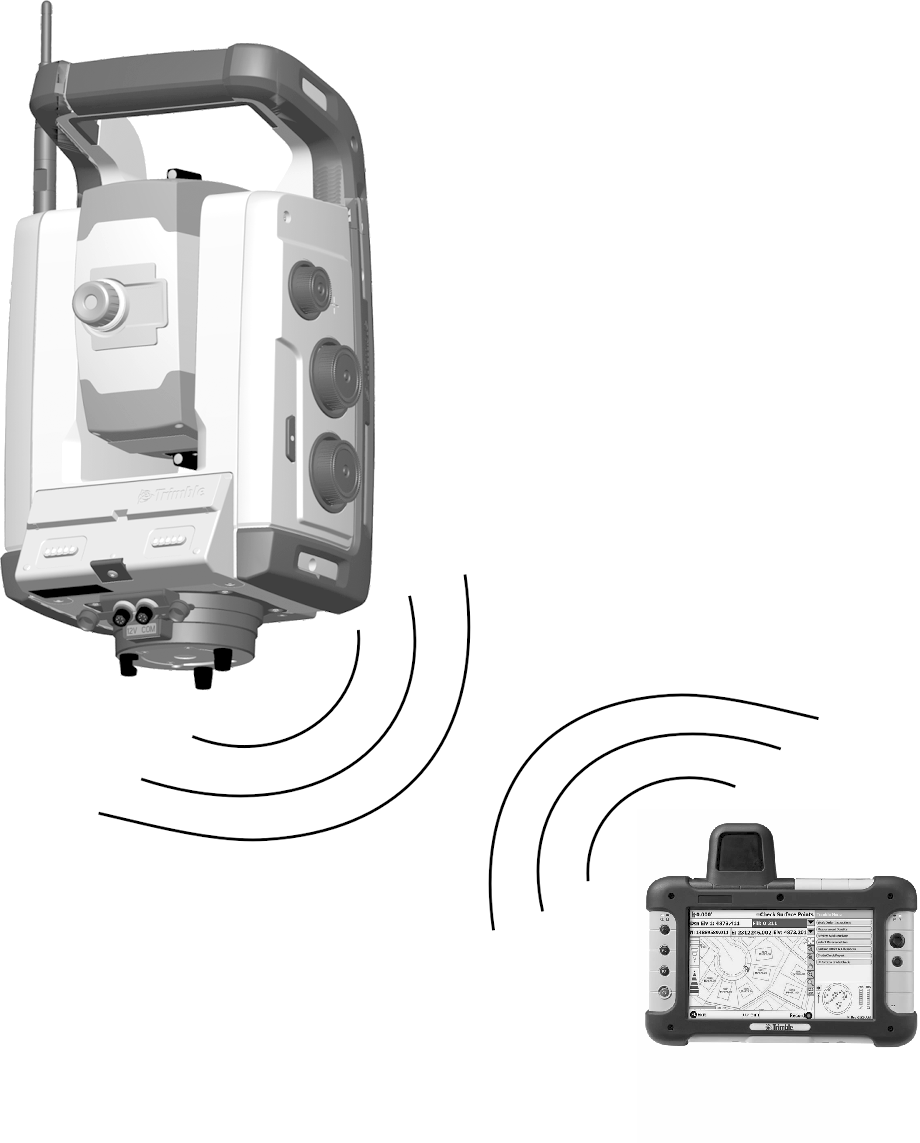
The tablet PC is connected directly to the instrument via the optional 2.4 GHz radio.