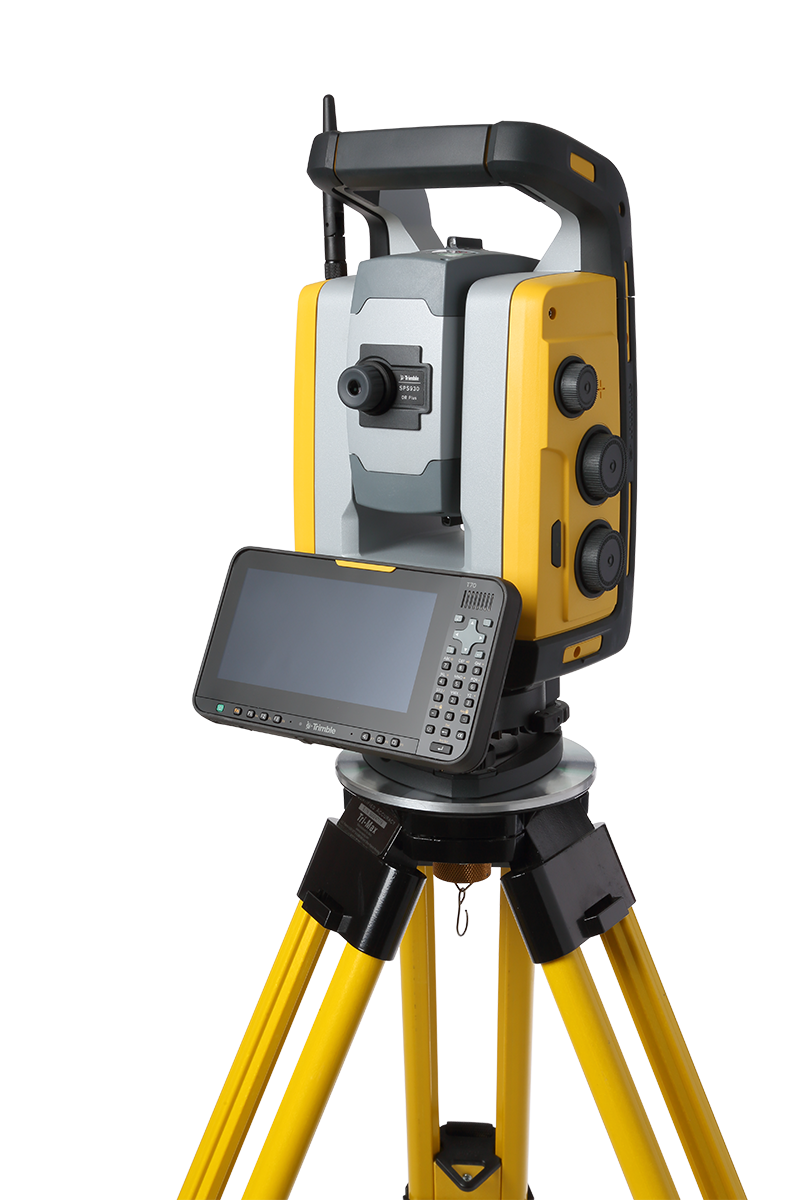
Instrument with T70 connected
Off mode
In off mode, the Trigger key LED and face 2 display is off. The T70 will be off or in suspend mode.
To turn the instrument on, press the Trigger key for 1 second or press the T70 power key. The instrument also turns on if you connect a 12 V power supply or data communication cable to the foot connector.
NOTE – During startup the Trigger (On/Off) key LED will flash once every second.
On mode
In the on mode, the Trigger key LED will be on solid and the face 2 display will be on. The face 2 display will be controlled by the T70 application program.
To turn off the instrument, press the Trigger key for 3 seconds or press the T70 power key. Depending on the settings in the T70 operating system, the instrument will turn off or go to suspend mode.
The instrument will go to suspend mode if the battery is very low (battery capacity less than 2%).
Suspend mode
In suspend mode, the Trigger key LED will flash once every other second and the face 2 display will be off. The T70 will be in suspend mode.
To turn the instrument on, press the Trigger key for 1 second or press the T70 power key.
To turn the instrument off, press the Trigger key for 3 seconds.
This will only turn off the instrument. The T70 will be in suspend mode until the suspend time out occurs.
CAUTION – Trimble recommends suspending or powering off the T70 before removing it from the instrument. Removing the T70 when in on mode will not damage the equipment, but files that are being saved or written to when the T70 is removed may be damaged or lost.
