Map Options: Panel Display tab
Use the Panel Display tab to control what information is shown in each of the panels on the main screen:
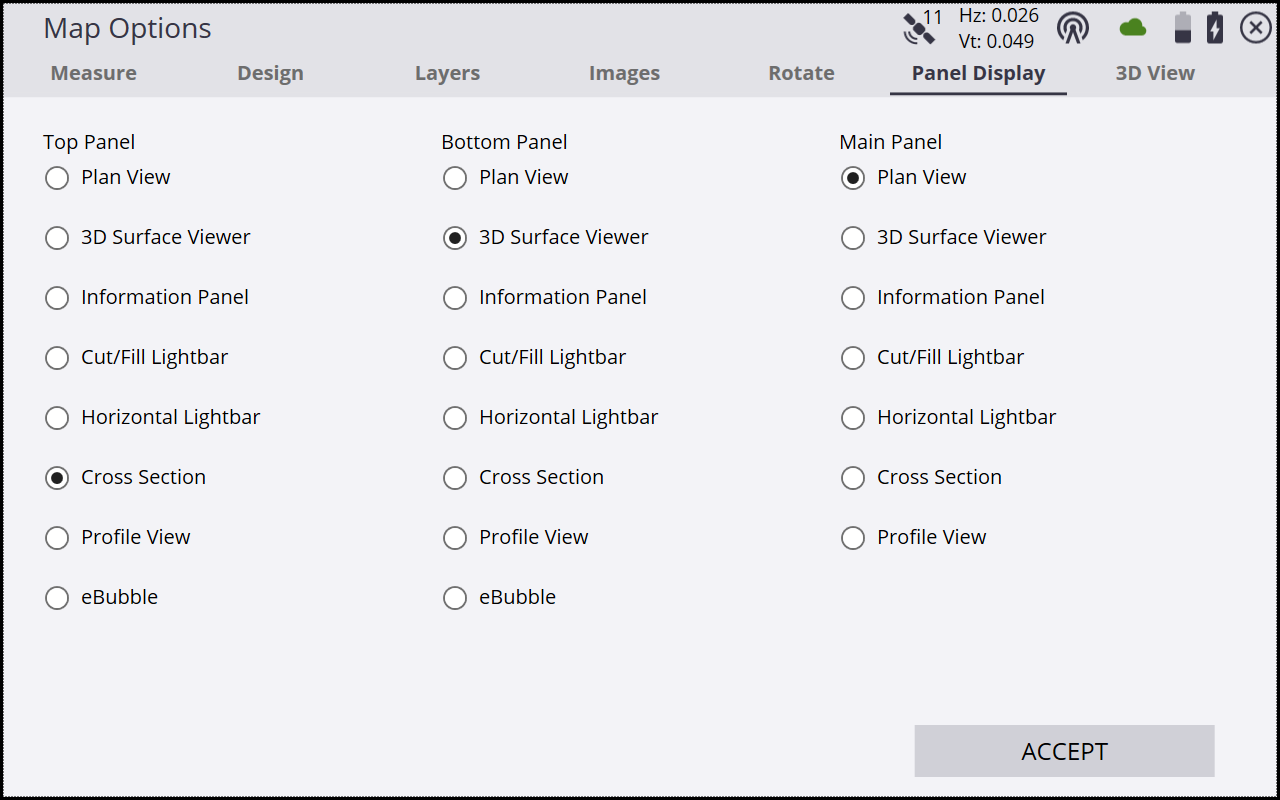
|
Select this option… |
to display the… |
|---|---|
|
Plan View |
plan view in the chosen panel. |
|
3D Surface Viewer |
3D surface viewer in the chosen panel. |
|
Information Panel |
information panel in the chosen panel. |
|
Cut/Fill Lightbar |
cut/fill lightbar in the chosen panel. |
|
Horizontal Lightbar |
horizontal lightbar in the chosen panel to a reference line or selected stakeout line. |
|
Cross Section |
selected cross section in the chosen panel. |
|
Profile View |
selected profile view in the chosen panel. |
|
eBubble |
eBubble in the chosen panel. This is not available for display in the main panel. |
|
Live Video |
Live streaming video from a connected SX12 or SX10 scanning total station. This option is only displayed when connected to a SX12 or SX10. |
