Home screen
See also: Home screen for the SPS555H receiver
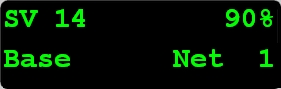
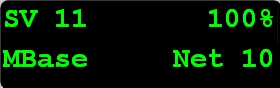
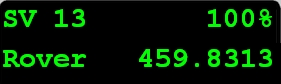
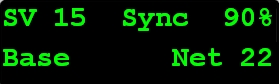
The Home screen is the main screen displayed on the receiver. If the receiver displays another screen and is left idle for 60 seconds, you are returned to the Home screen. It shows the following information:
|
Item |
Description |
|---|---|
|
Number of satellites being tracked |
To view these details using the web interface, select Receiver Status / Position. |
|
Internal radio activity |
If the receiver has an internal radio, the Home screen displays the frequency or channel being used and the transmit/receive status:
|
|
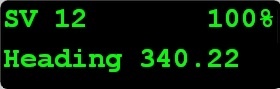
Current heading |
If the receiver is in Heading mode, the Home screen displays the current heading:
|
|
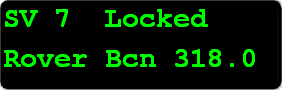
Beacon status and frequency |
If the receiver is using MSK Beacon corrections, the Home screen displays the status of the signal and the frequency of the beacon station:
|