Batch Export Sync
 The Batch Export Sync command enables you to run .batchexport files created with the Batch Export command using a single click. If multiple batch files are available, you can choose which one to run from a list.
Options
- If a batch file has been created in the project using the Batch Export command, it is automatically used when the command is selected.
- If multiple batch files need to be used, place the .batchexport files in the same folder as the TBC project VCE file. They will then be available in a selection pop-out when the command is executed.
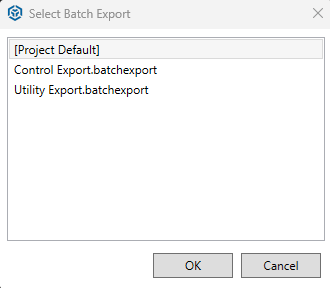
- Click OK to use the project default, or double-click an alternative file to execute the synchronization
