Reverse Lines
 The Reverse Lines command enables you to reverse multiple linear objects at the same time.
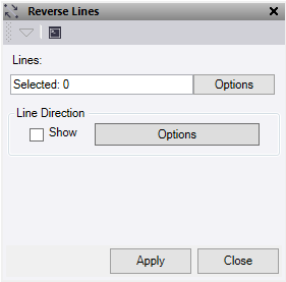
- Click in the Entity field, then in a graphic view select the linear objects to reverse the line direction. Click Options for additional selection options.
- Click Line Direction - Show to turn on the direction arrows. Click the Options button ito open s a short cut to the line direction options, which you can use for easy direction identification.
- Click Apply to apply the changes and keep the Reverse Lines command pane open, or Close to close the command pane.
The direction of the lines of the selected linear objects is reversed to the opposite direction.
Note: This command does not work on alignments.
