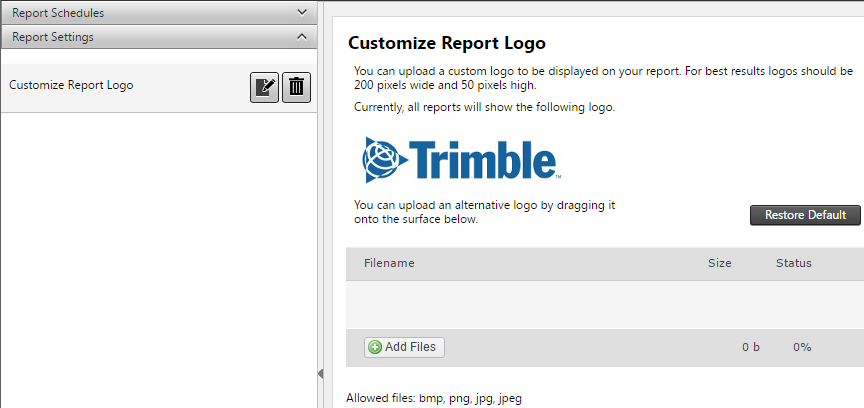
Customize report logo
On the Report Schedule page, from the Report Settings bar select Customize Report Logo.
Here you can click the Add Files button and select a local image file or drag a local image file onto the uploads area to use as the Report Logo image. The optimal image resolution is 200 pixels width by 50 pixels high.