Report schedules
The Report Schedule area allows you to schedule reports to be generated and emailed to particular recipients. These reports contain information about the Trimble 4D Control system or information about particular sensors. The report recipients will receive the report according to the configured daily, weekly or monthly report schedule.
Reports are integrated with different areas of Trimble 4D Control to automatically generate particular charts or extract information already configured in Trimble 4D Control.
To view the Report Schedule area, select Report Schedule from the Monitoring menu or from the Home page.
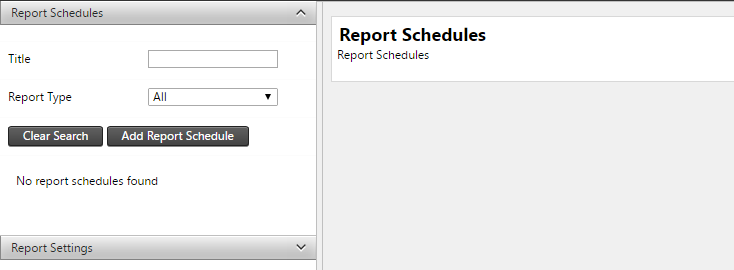
On the left side of the Report Schedule area is a list of report schedules with filter controls:
-
Title: Text search on the title of the reports.
-
Report Type: The type of the report to show in the list. We will discuss the different report types later in this section.
