Attaching an Empower module (optional)
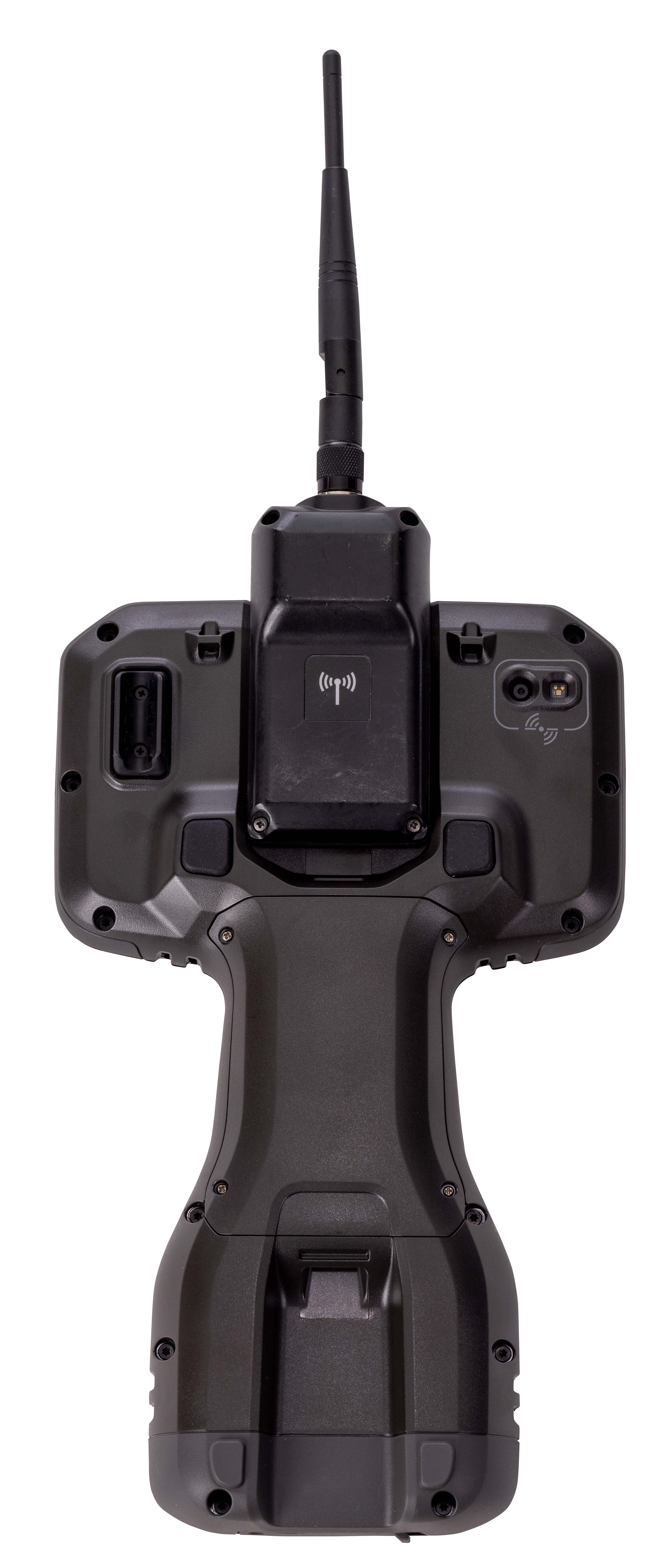 Before you install or remove a module from the device, make sure the device is powered off or in Doze state. For more information, see Turning the device on or off, using Doze mode or Shelf mode.
You need to re-calibrate the compass after installing or removing an Empower module. For more information, see Using the compass.
To attach an Empower module to the TSC510 controller:
-
Hook the Empower module onto the back of the device, ensuring that the slots on the top of the device line up with those on the Empower module.
-
Using the Phillips #1 screwdriver, tighten the 2 captive screws at the bottom of the Empower module to secure the module in place. Do not overtighten the screws.
