Create a Connected Project
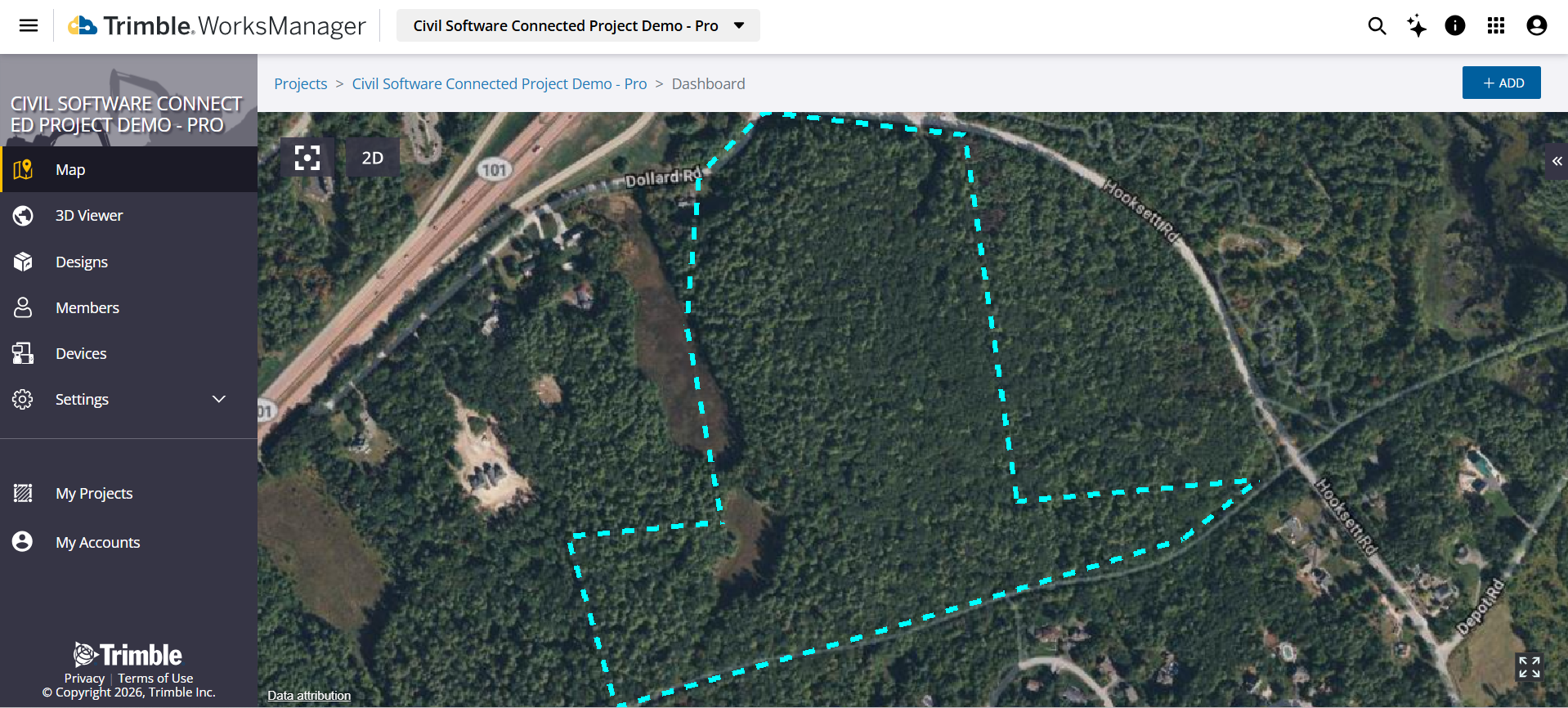
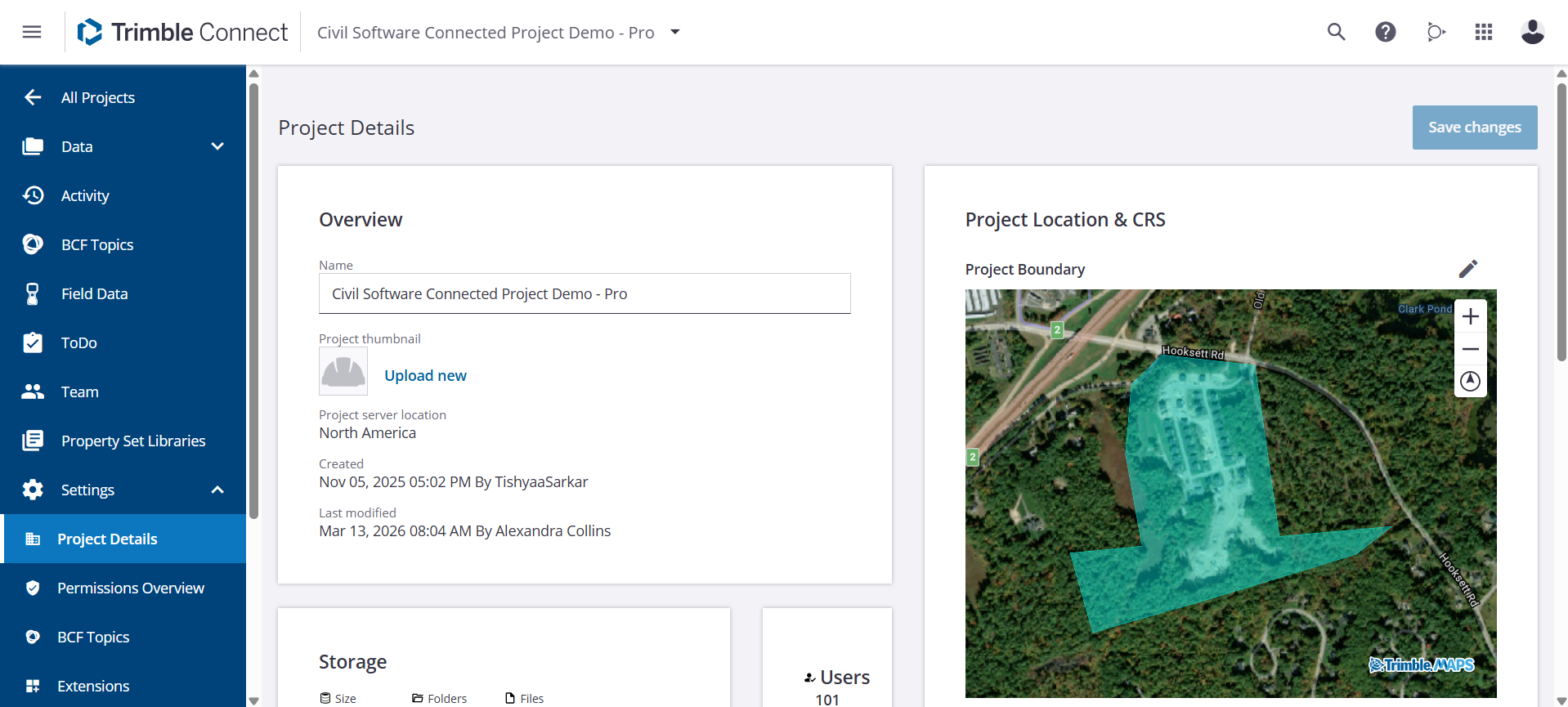
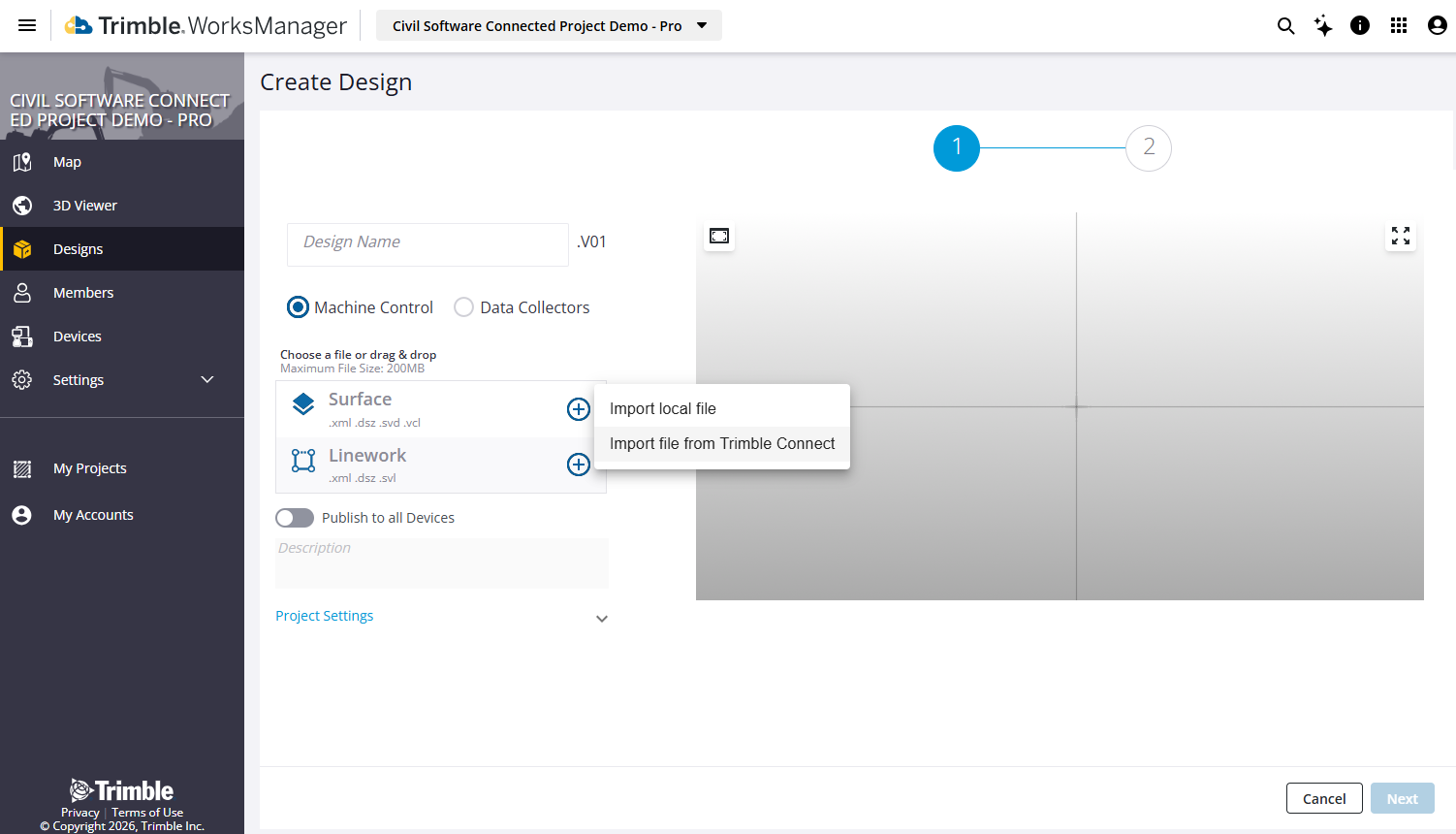
Using the Connected Project feature, you can create a project in Trimble WorksManager Software and Trimble WorksOS Software from an existing project in Trimble Connect by enabling a Trimble Connect extension, thereby making a ‘connected project’ in all three applications. The boundary, coordinate reference system (CRS), and users you set up in your Trimble Connect project are copied to the WorksManager project. Once a connected project has been created, you can then create designs in WorksManager by importing files from the Trimble Connect project into your WorksManager project. For details, see the Trimble Jobsite Connectivity (Connected Project) User Guide in Trimble Community.
-
If you rename a project in Trimble Connect that has been synchronized with WorksManager, the WorksManager project is not renamed. You can still synchronize changes made to the Trimble Connect project (boundary, users and Coordinate Reference System) with the connected project. However, the name of the connected WorksManager project remains the same and the extension in Trimble Connect shows the name of the connected WorksManager project. The extension in Trimble Connect shows the name of the existing, connected WorksManager project.
-
If you rename a file in Trimble Connect that has been imported into WorksManager, the file is not renamed in WorksManager. However, you can display the details of the original file in Trimble Connect.
-
When users are added to the Trimble Connect project, we recommend that the Project Admin subsequently synchronizes the project so that the users are also added to the WorksManager project. If another Admin is added to the Trimble Connect project but the WorksManager project has not yet been updated, then the new Admin user will be unable to synchronize the project because the new Admin user is not yet a member of the WorksManager project.
WorksManager Connected Projects
If you are already using Trimble Connect, managing your construction data just got simpler. With Connected Projects, WorksManager and Trimble Connect projects are now linked, and Trimble Connect begins to act as a single source of truth for your project details. When you link your projects, you ensure that your team, boundaries, and designs stay consistent across your entire office-to-field workflow.
Key Features of the Integration:
-
Unified Team Management - Adding or removing a team member in WorksManager automatically updates their access in Trimble Connect.
-
Shared Project Settings - Changes made to the Project Boundary sync instantly between both applications.
-
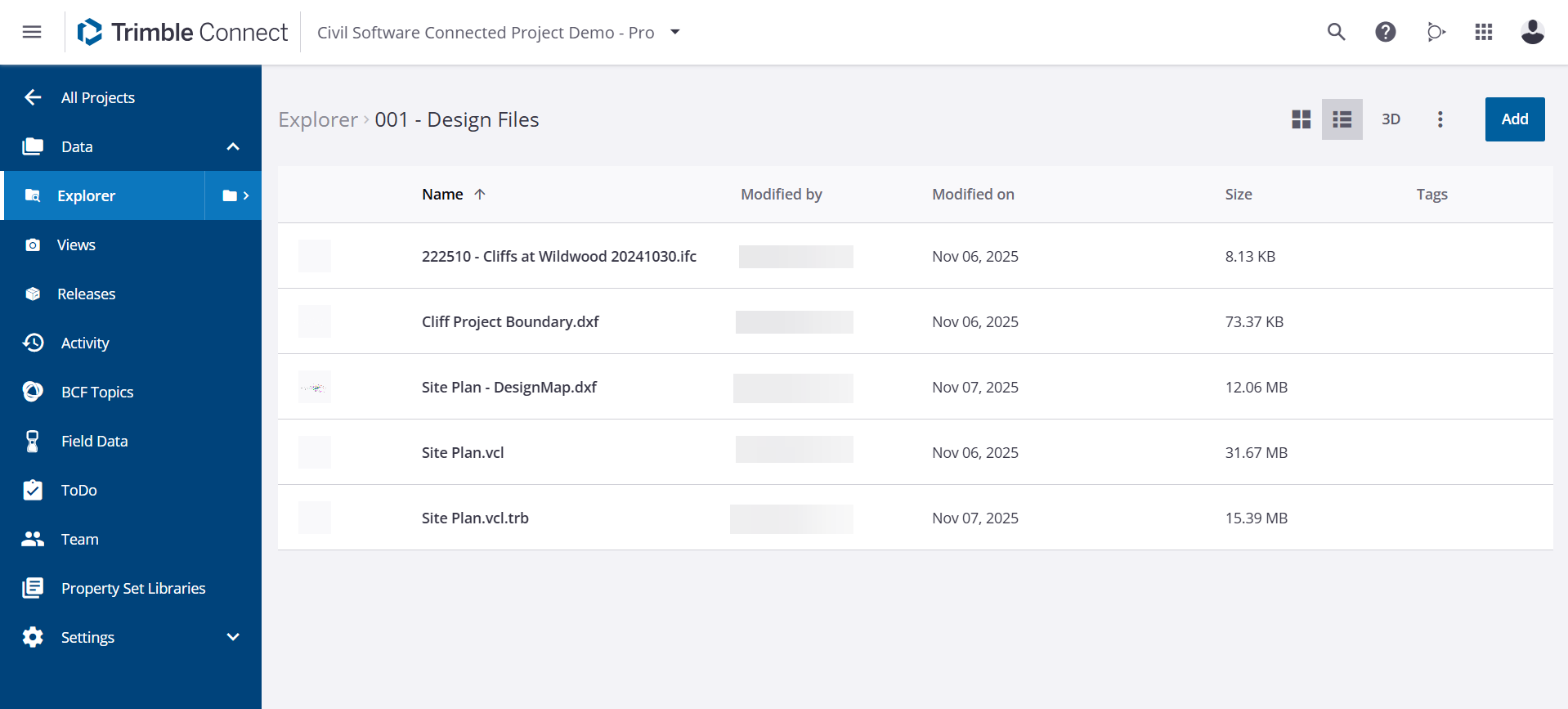
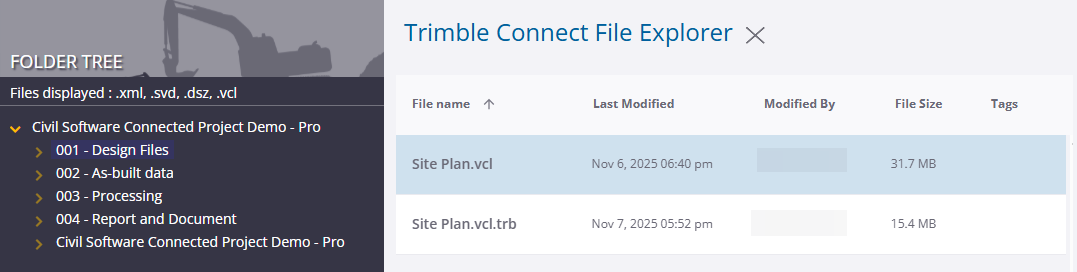
Seamless Design Imports - You can import design fi les directly from your Trimble Connect project into WorksManager with a few clicks.
Trimble Connect also continues to support the creation of WorksManager projects via the Jobsite Management extension.
