Work with Trajectories and Alignments
Generate Long Sections
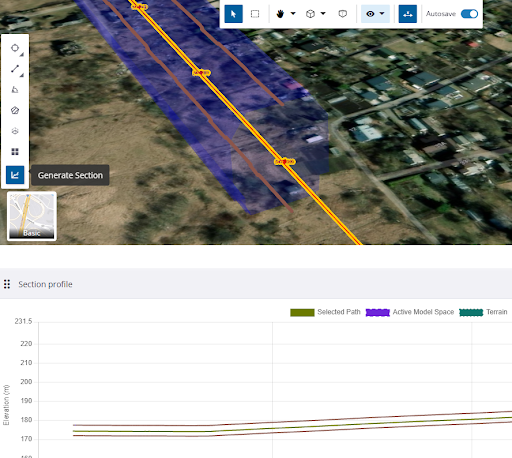
You can generate long section views from a selected trajectory or alignment on the Measurements toolbar. Plotted long sections also include a 2D chart.
-
On the left side, click the
 3D Viewer icon.
 -
Click the
 Measure icon on the left side.
 -
Toggle the
Measure icon on the toolbar near the top of the view. -
Select a trajectory or alignment in the view.
-
Click the Generate Section icon to the left.