Installing and starting Trimble Perspective
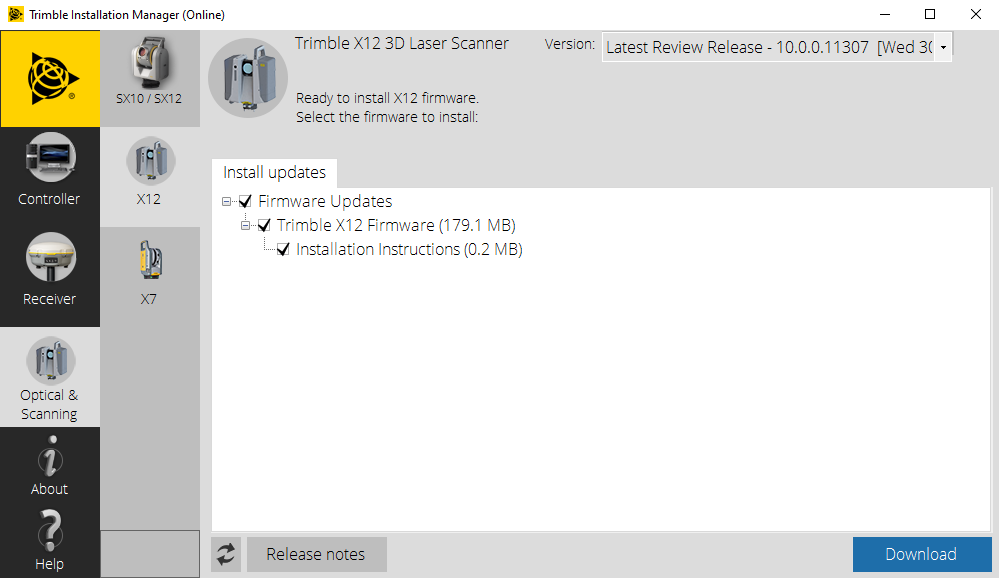
To install the field software, you must first install the Trimble Installation Manager (TIM) on your controller. The link below provides access to the online and offline version of the TIM software. Most users prefer the online version to install and update field software when connected to the Internet.
https://www.trimble.com/InstallationManager/Index.aspx
You must be connected to the Internet to download the installations for the offline version to install at a later date.
After starting the Trimble Installation Manager, you will be able to install the latest version of Perspective on your controller and update the field software in the future.
To run Perspective, tap the program icon. Perspective will start and display full screen.
