Measure distance
You'll often find yourself needing to measure the distance between two points on a site.
EXAMPLE – You might need to measure the distance from the bottom of the batter to the boundary line.
You can use Trimble Earthworks to measure distance without getting out of the cab. This is especially useful if it’s raining or there's no-one available to hold the other end of the tape measure.
Your results will be a lot more accurate if you use Trimble Earthworks.
NOTE – You need two GNSS receivers on your machine for it to know where it is.
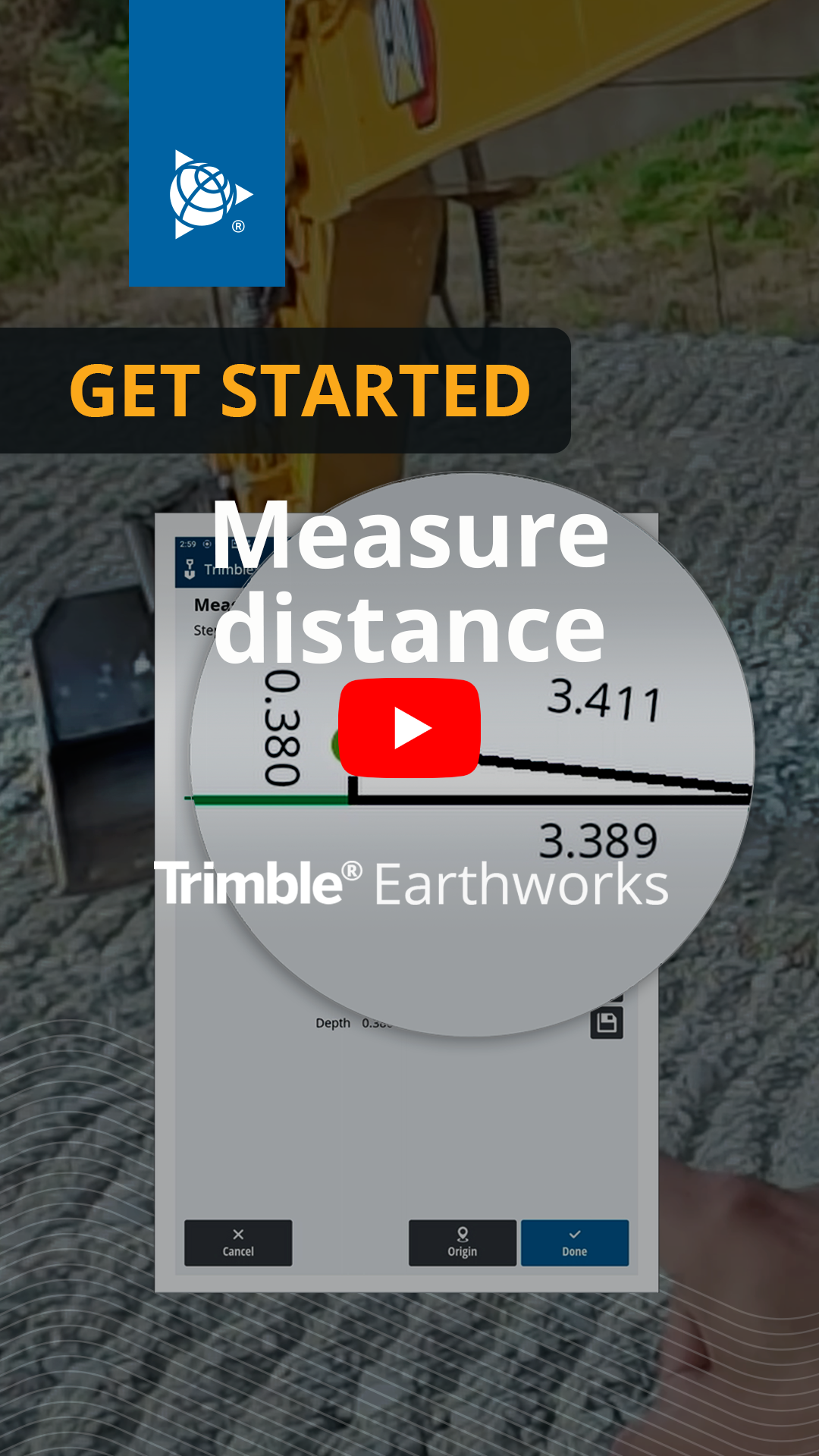
Watch the video
Learn how to use Trimble Earthworks to measure distance on a site.
Step by step
-
Tap the Work Settings
_25x25.png) icon.
icon. -
Tap Measure Mode.
-
Put your bucket down on the point you want to start measuring from.
-
Tap Origin.
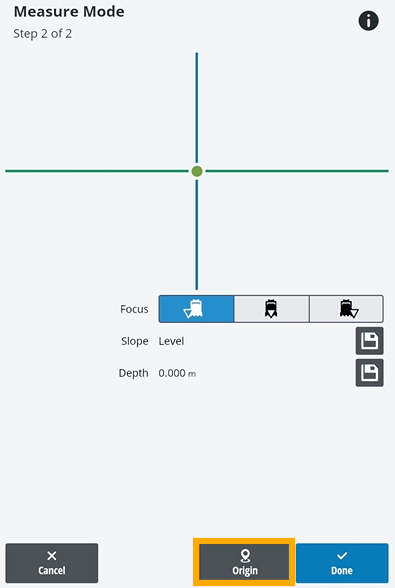
NOTE – The green point shows where your bucket is.
-
Move the machine to the point you want to measure to and put your bucket down.
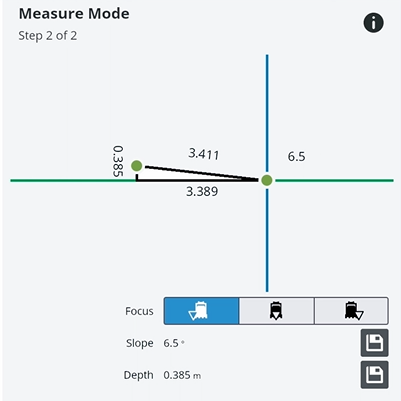
NOTE – The numbers on the screen change in real time as you move the machine.
