Overview
This section explains how to get started with excavators in Trimble Earthworks.
Once you know your way around you can also get going with graders.
Watch an expert operator complete common jobs on a site, or see the step-by-step instructions.
Watch the videos
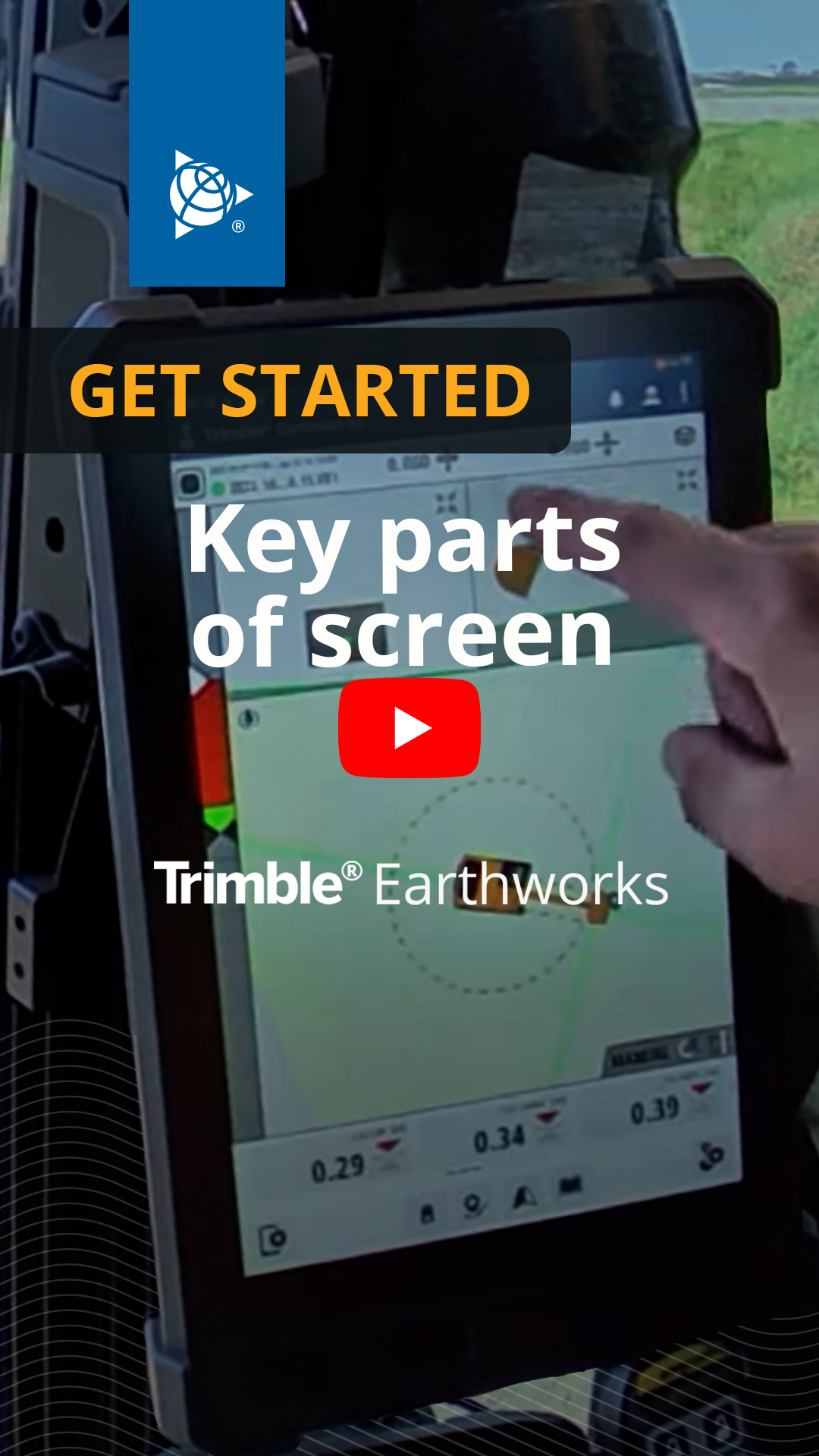
Start your Trimble Earthworks journey with an expert operator on the Trimble Civil Construction channel.
What's new?

New Trimble Earthworks features and enhancements are released every quarter. To learn about the new features, tap the What's New  icon in the top right corner of your TD5x0 screen.
More ways to learn Trimble Earthworks
-
Get the Trimble Earthworks Assistant app:
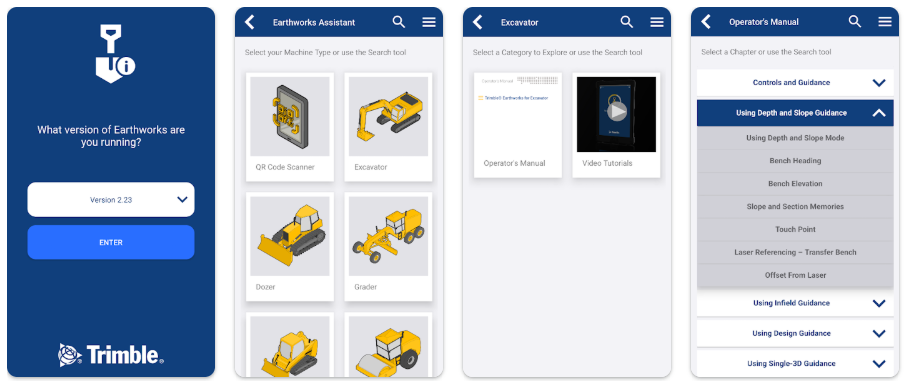
Download from the Apple app Store


Scan the QR code

-
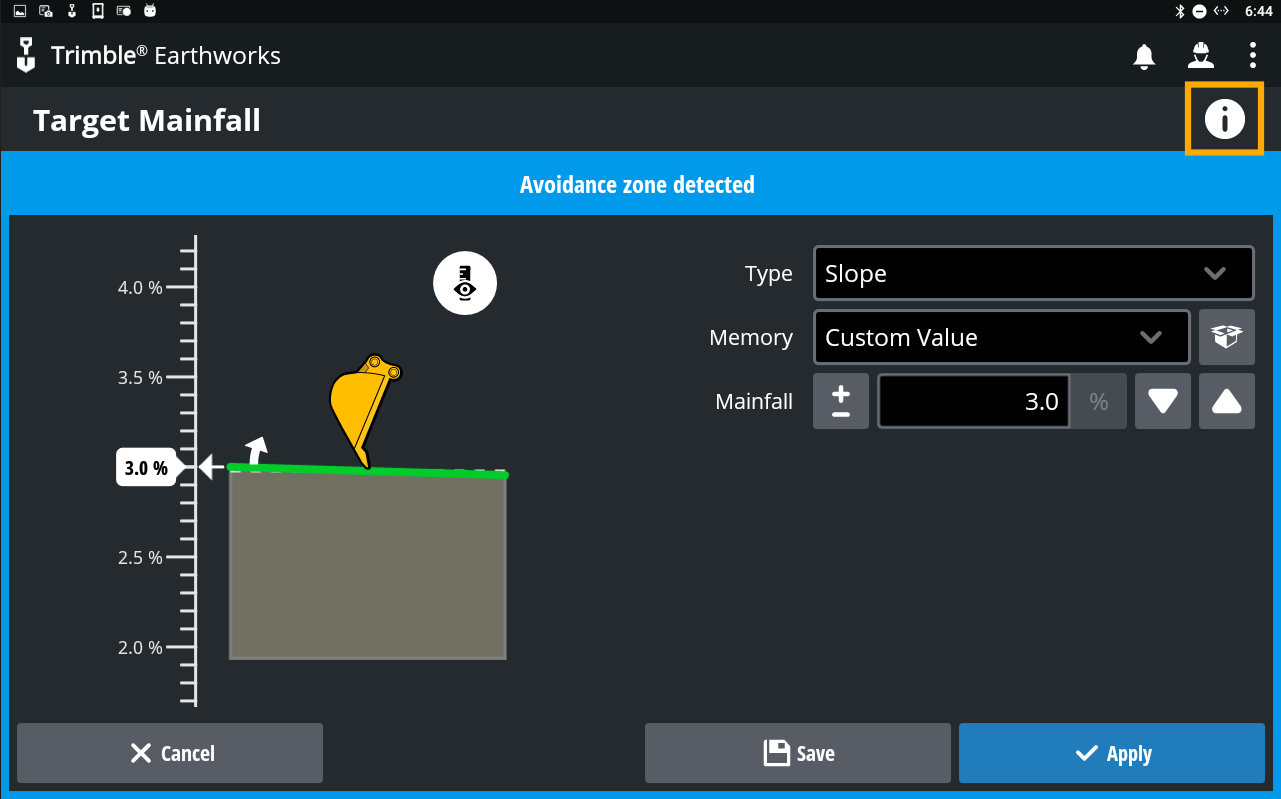
Tap the information
 icon on the Trimble Earthworks screen you want help with