Build a drain
Once you've created a flat pad, you might need to drain water from there to somewhere else on the site.
Watch the video
Watch an expert operator use Trimble Earthworks to build a drain to manage water on a site.
Step by step
-
Tap Job Setup on the Dashboard.
-
Tap the add
 icon beside the Guidance Surface field.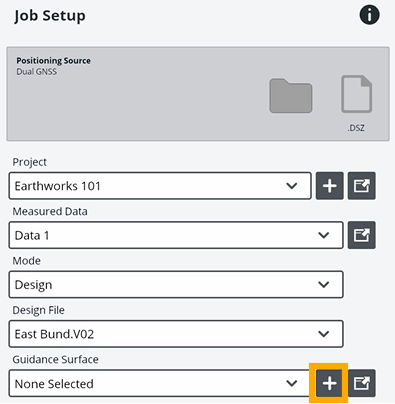
-
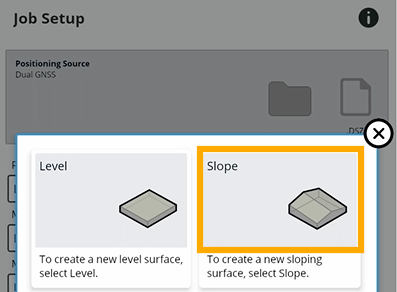
Tap the Slope tile.
-
To take your first point:
-
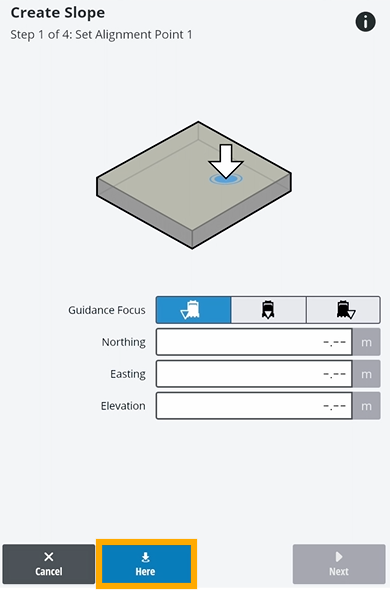
Drive your machine to where the bottom of the drain will be and put your bucket down.
-
Tap Here.
-
Tap Next.
-
-
To take your second point:
-
Drive your machine to where the other end of the drain will be and put the bucket down.
NOTE – This is where the drain will start. It will fall back to where you took your first point.
-
Tap Here.
-
Tap Next.
-
-
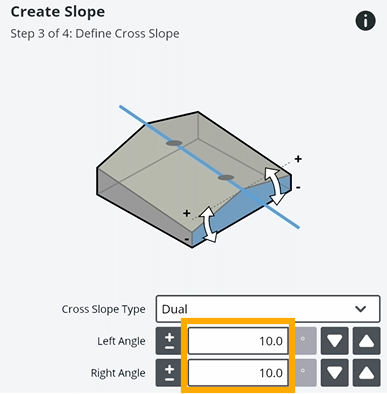
In the Cross Slope Type field, select Dual.
-
Enter positive angles for either side of the drain.
-
When you've finished setting up your slope, tap Next.
-
Enter a name for your design and tap Apply.
-
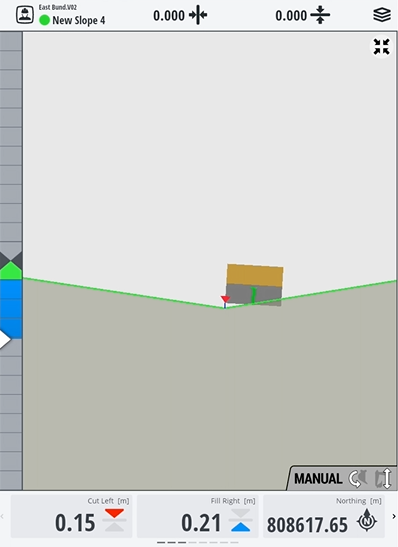
Tap Start to see your design and start digging the drain.