Tweak your sound settings
Trimble Earthworks can notify you when you're on grade, above grade, or below grade. You can choose whether you want to be notified. And you can change how loud the notifications are.
Watch the video

Step by step
-
Tap the System Settings
 icon.
icon.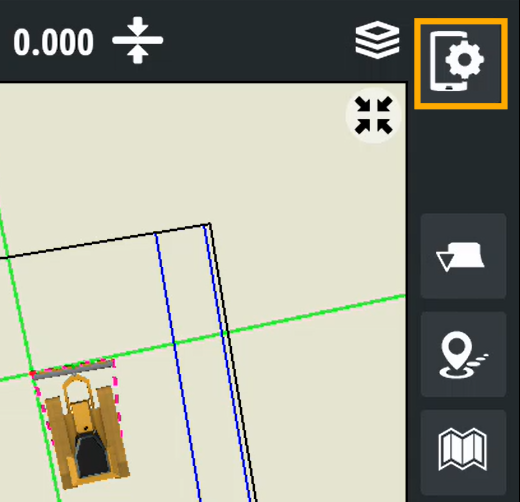
-
Scroll down and tap Sound.
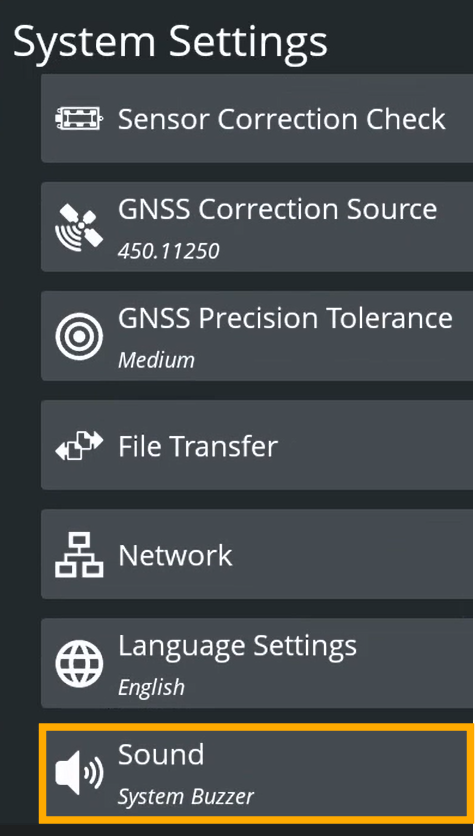
-
To increase or decrease the volume of the sounds, drag the System Buzzer slider.
-
Specify whether you want a beep to sound when you're:
-
above grade – fast intermittent beep
-
on grade – solid beep
-
below grade – slow intermittent beep
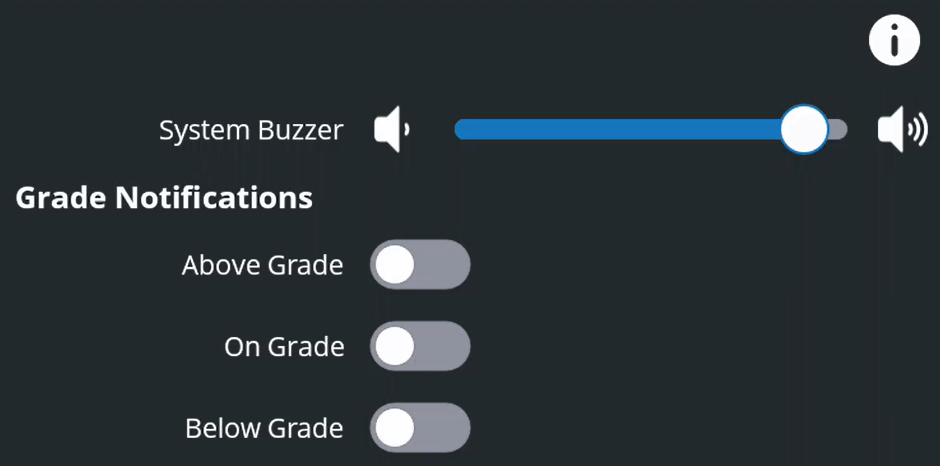
NOTE – If you use a hand-held laser receiver the beep patterns are the same.
-
-
Tap Apply.
Trimble Earthworks v2.24. Updated June 2026.
