Overview
This section explains how to use Trimble Earthworks to take the heavy lifting out of common jobs. Watch videos of expert operators in action or take it step by step.
Watch the videos
Start your Trimble Earthworks journey with an expert operator on the Trimble Civil Construction YouTube channel.
get started
Start with excavators
When you start using Trimble Earthworks on an excavator there are some key parts of the screen to learn. Watch and learn from an expert operator.
popular
Get going with graders
Learn your way around Trimble Earthworks with an expert grader operator. Set up your screen and get some pro-tips for the passes that matter.
popular
Get moving with dozers
There are some key things to learn when you start using Trimble Earthworks on a bulldozer. See how to set up your system so you get the most out of it.
latest
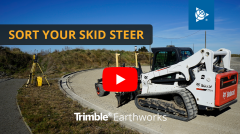
Sort your skid steer
From screen tours to completing common jobs, watch an expert operator set up and use Trimble Earthworks to sort out a skid steer!
What's new?

New Trimble Earthworks features and enhancements are released every quarter. To learn about the new features, tap the What's New  icon in the top right corner of your TD5x0 display.
More ways to learn Trimble Earthworks
-
Get the Trimble Earthworks Assistant app for free:
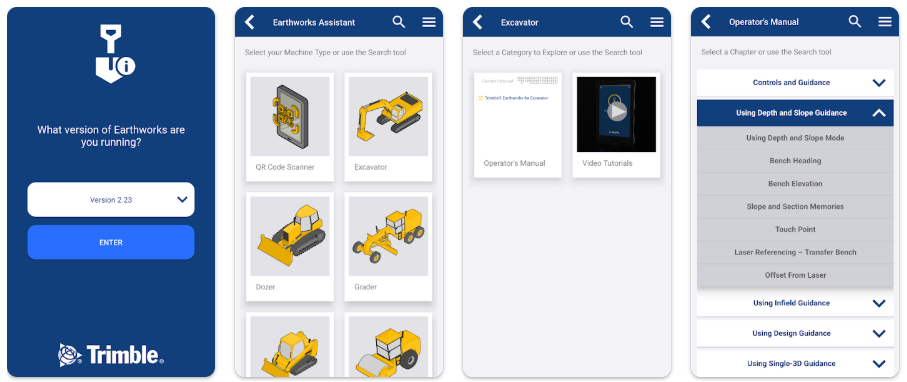
Download from the Apple app Store


Scan the QR code

-
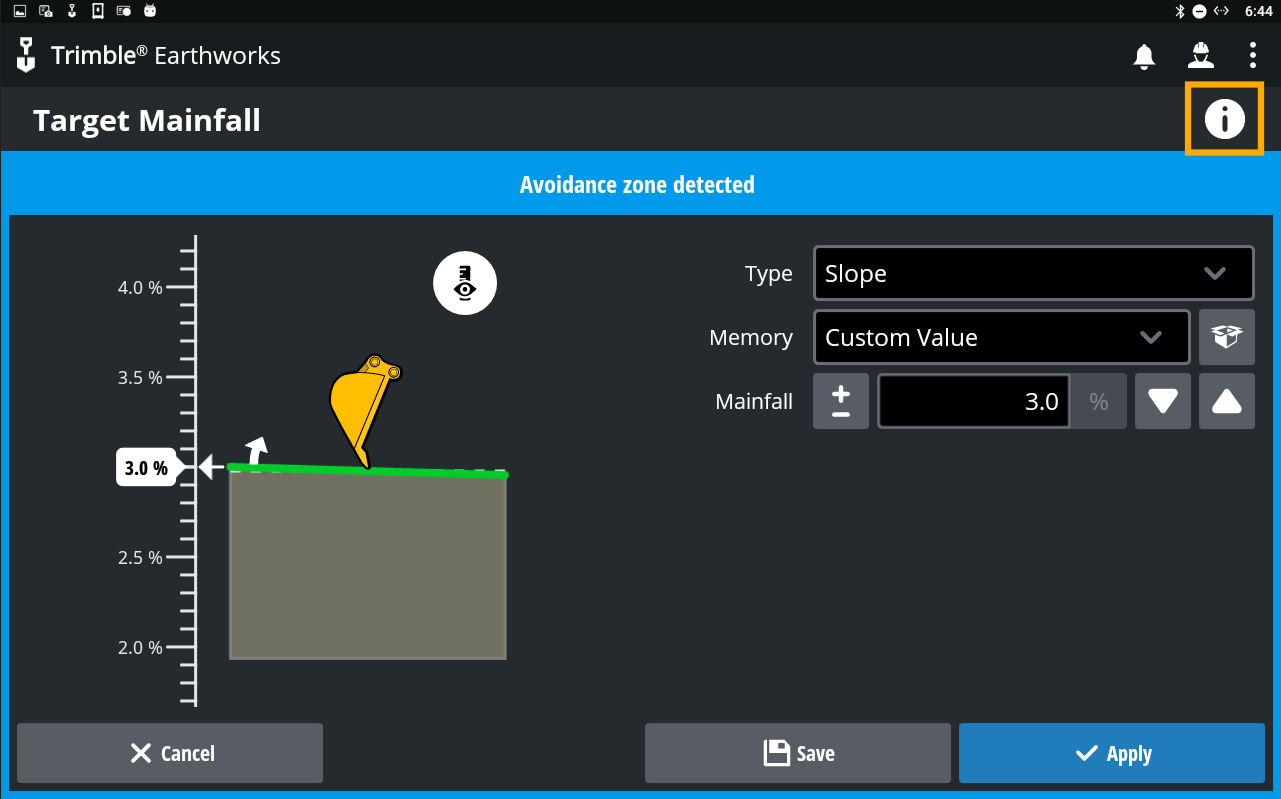
Tap the Information
 icon on the Trimble Earthworks screen you want help with