Trimble T70 controller
The Trimble T70 controller can be used as a controller for the instrument.
Fitting the T70 to the instrument
You can mount the T70 controller onto the instrument using the S/SPS Series total station adapter (sold separately).
text
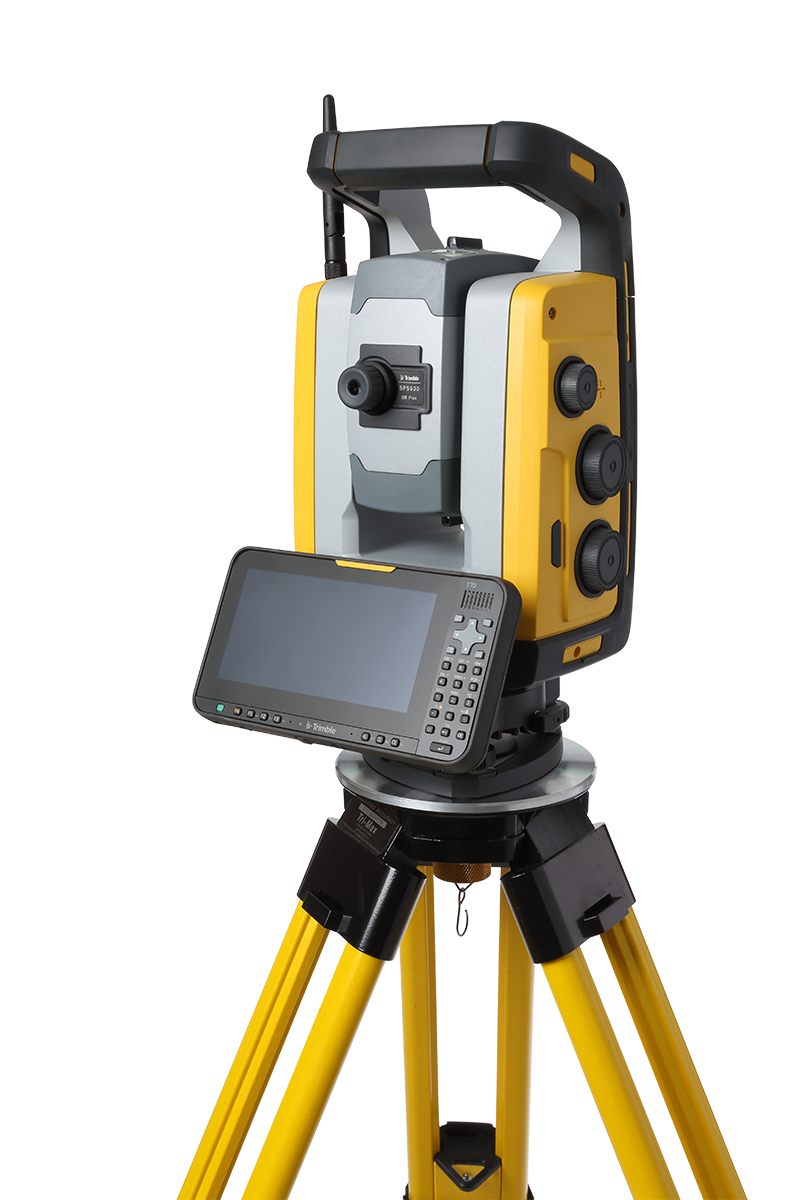
To fit the T70 to the instrument:
-
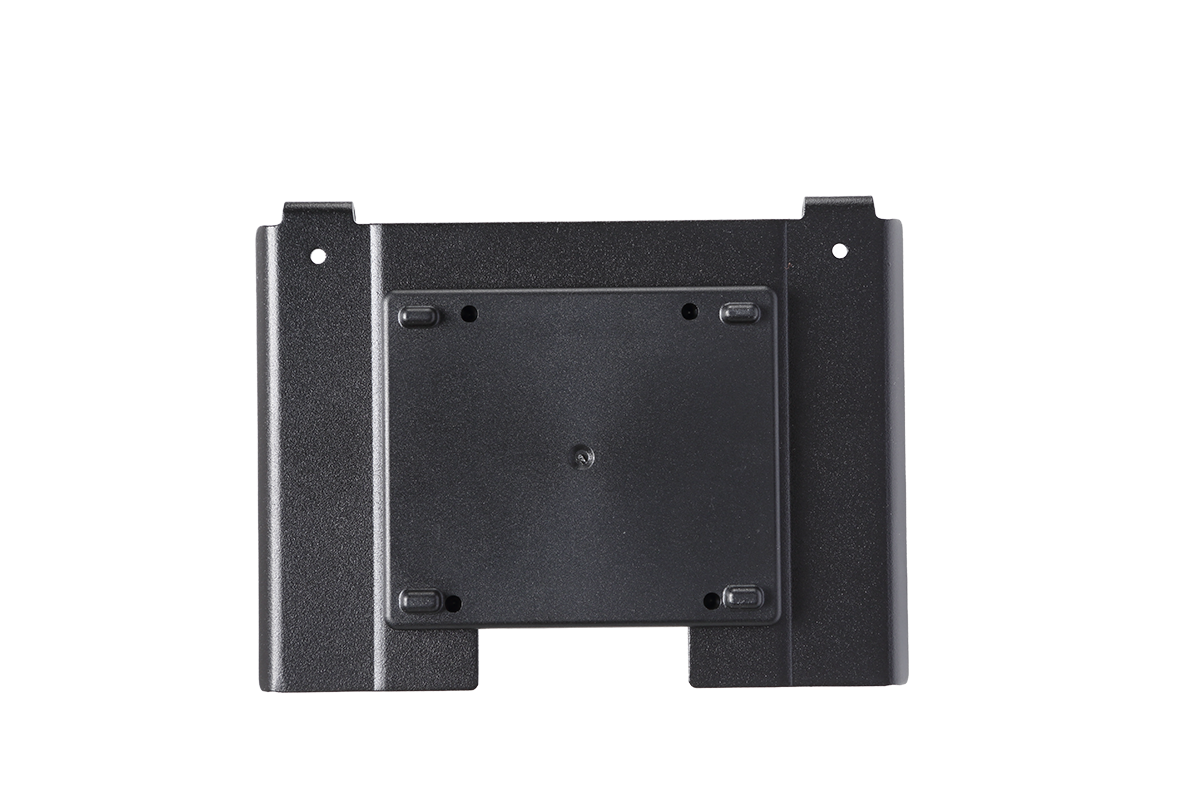
Attach the S/SPS Series total station adapter to the instrument.
-
Hook the top of the adapter over the top edge of the panel attachment on the instrument.
-
Push the bottom of the adapter toward the panel attachment until it clicks into place.
NOTE – When the T70 controller is not attached, fit the Panel Attachment Cover to protect the connectors from mechanical damage and corrosion and for full ESD protection. See Safety information.
Removing the T70 from the instrument
-
Lift the top of the T70 away from the instrument and lift it off.
-
To remove the adapter, lift the bottom of the adapter away from the instrument and then unhook the top of the adapter from the top edge of the panel attachment.
