Trimble Access Help
Designed by surveyors for surveyors, Trimble® Access™ software supports your everyday survey fieldwork.
Start your journey
Build your skills
Trimble Access 2026.10 is here
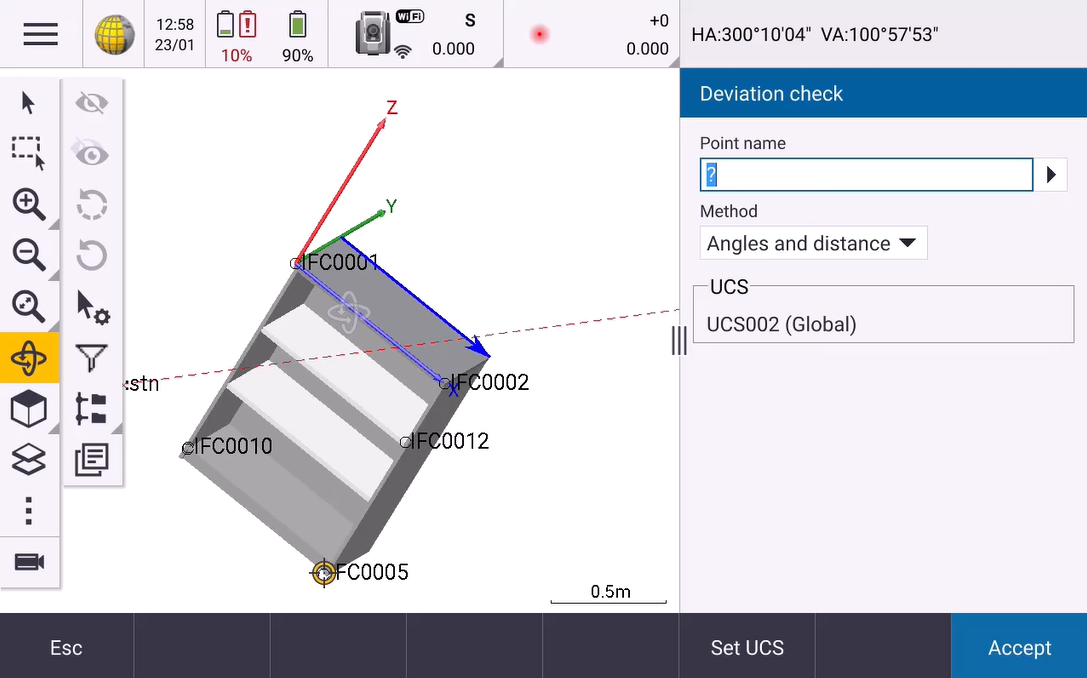
Trimble Access 2026.10 features enhancements for stakeout workflows. Stake out points faster and with less effort using the Shortest path feature, and combine it with Closest point which now updates dynamically so that you can pick up other points as you need. Use colored stakeout symbols to easily keep track of which points are within tolerance.
Easily find items in a BIM file using the new BIM Filter tool. For fabricators, the new User coordinate system and deviation check workflow enables you to know exactly where the object you are handling is relative to the rest of the assembly.
Trimble Access Videos
Highlights from the Trimble Access YouTube channel. For more videos and notifications when new videos and playlists are added, subscribe to the channel.
latest
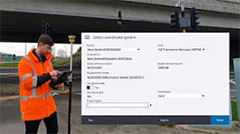
Digital Construction series
Transform the way you work by using the same digital construction models in the field as you use in the office. Watch how to get set up, stake out, inspect surfaces and measure.
recommended
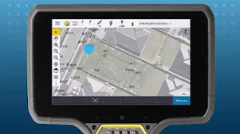
Stakeout with Trimble Access
Everything you've ever wanted to know about stakeout, including staking entities in DXF files, information shown on the screen, and custom reports.
get started
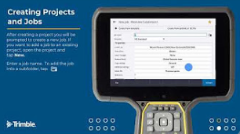
Getting Started with Trimble Access
New to Trimble Access? Head out to the field with confidence after watching our Getting Started series.
