Download and install Trimble Data Manager

Download Trimble Data Manager from the Google Play™ Store.
Granting access permissions
The first time you launch Trimble Data Manager, you are prompted to grant permissions required for the app to work correctly.
-
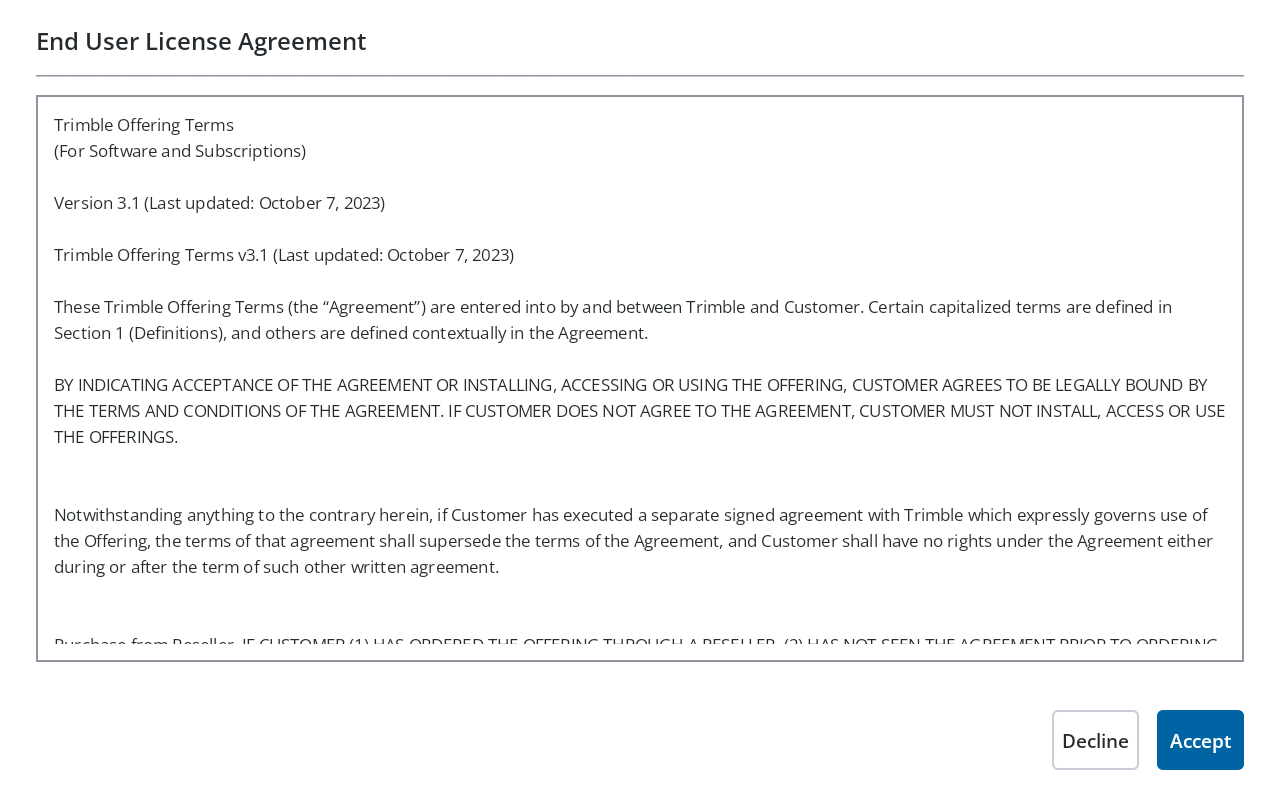
You must accept the End User License Agreement terms to launch the application for the first time. You can read the agreement on the screen or on the Trimble website.
-
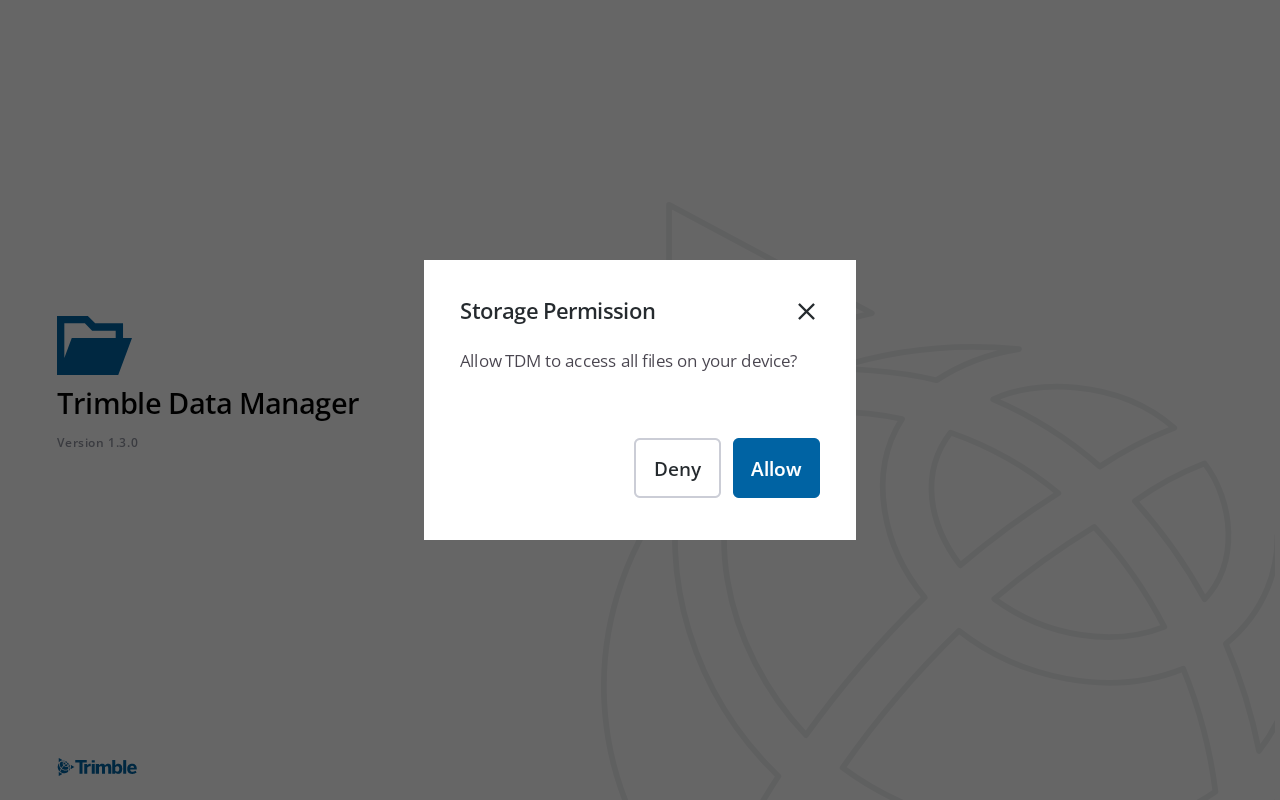
In the Storage Permissions dialog, tap Allow.
-
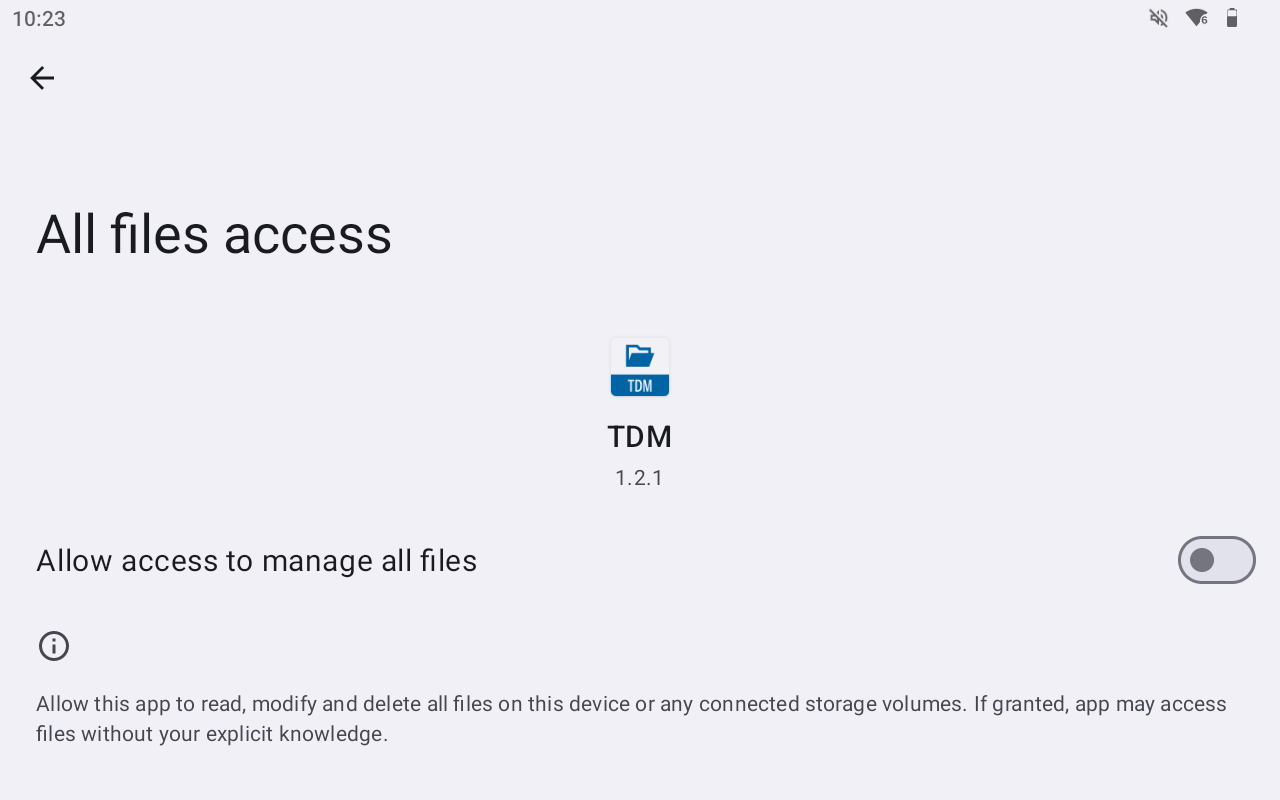
In the All files access screen, enable Allow access to manage all files.
Before you can transfer files between your device and a USB drive, you must also grant permissions to open and share files on each USB drive that you use.
