Start screen
After the first startup of the scanner, you will be prompted to change the Wi-Fi password for security purposes. You will be required to enter this Wi-Fi password for the first Wi-Fi connection from Perspective.
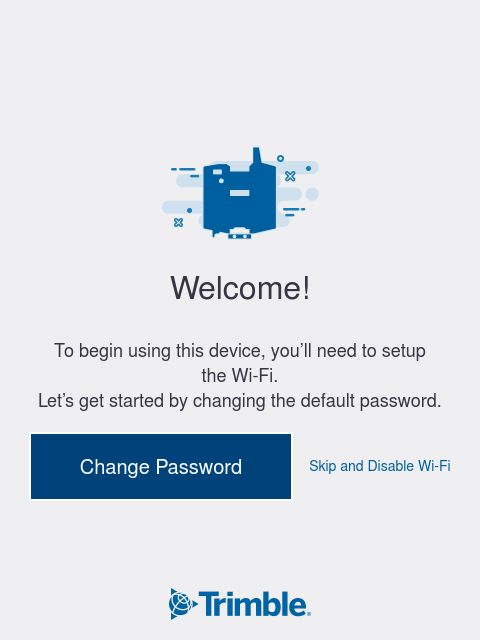
When the Welcome screen appears, tap:
-
Change Password to change the default Wi-Fi password.
-
Or Skip and Disable Wi-Fi if you intend to operate the scanner with the onboard UI and not use Perspective.
To change the default password:
-
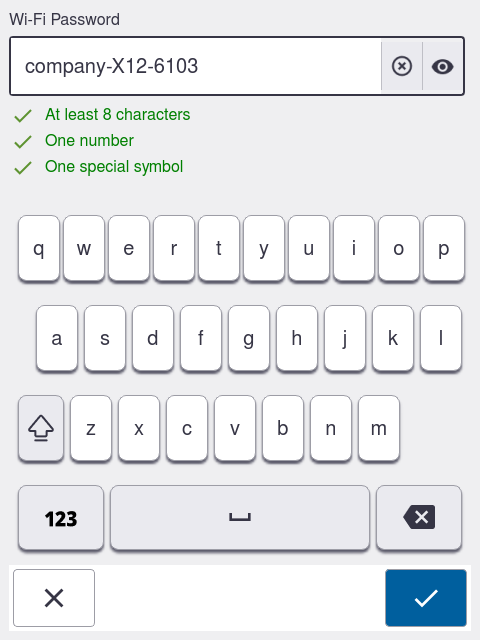
Enter a Wi-Fi Password with at least eight characters, one number and one special symbol. The password requirements will turn green once they are met.
-
Tap
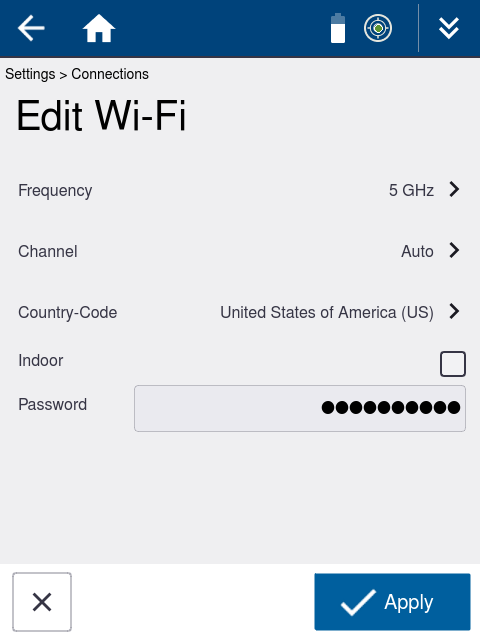
 to accept. The Edit Wi-Fi screen displays.
 -
Modify any Wi-Fi settings (see Wi-Fi settings).
-
Tap
 to save the settings.