Find the lowest point
Before you start working on a site you need to find the lowest point so you know which way water will flow when it rains.
On a flat site it can be hard to tell where the lowest point is by just looking.
When you know where the lowest point is you can also decide on a good spot to dig a pond.
Watch the video
Learn how to use Trimble Earthworks to find the lowest point on a site.
Step by step
-
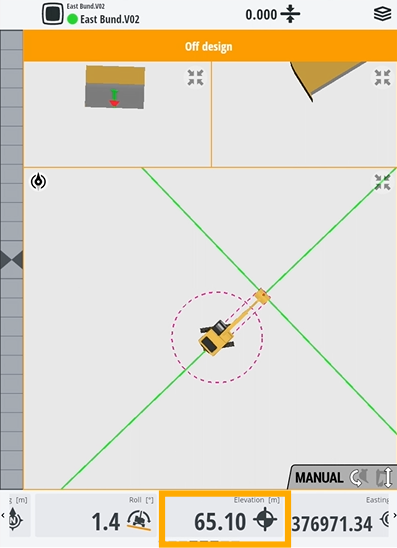
To see how high you are above sea level, check the Elevation button on the Text Ribbon.
-
Drive your machine around the site and put your bucket down at various points until you find the lowest point.
NOTE – The elevation will change on the screen in real time as you do this.
