Checking the charge level of the internal battery and the accessory removable battery pack
You can check the charge level of the internal and the user-replaceable accessory battery pack (if installed) from the Status bar (top right corner of the screen).
If there is no accessory removable battery in the device, only one battery icon is shown. If an accessory removable battery is installed correctly, a second battery icon with a small circle in its lower right corner is also shown:
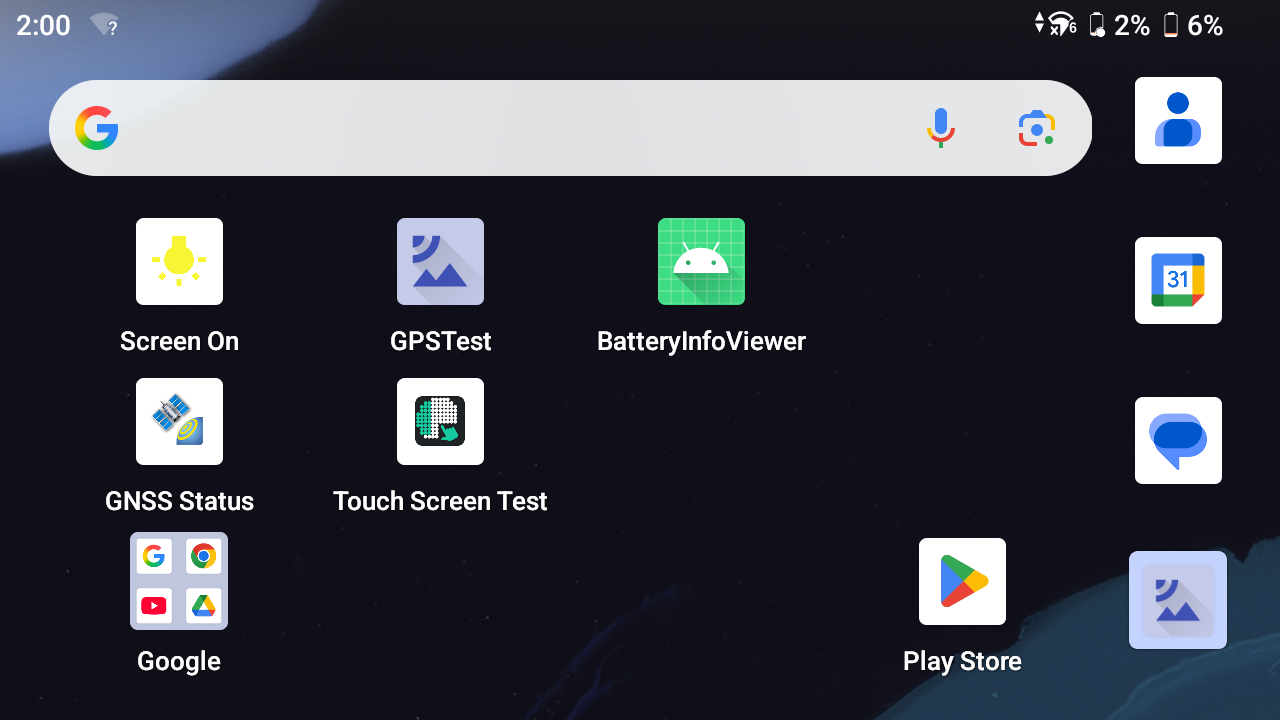
If Battery percentage is turned on, each battery icon also shows the battery charge level on the Status bar as a percentage.
See Using the Battery settings for more information on turning on Battery percentage.
To access the detailed battery charge information for the internal battery and the accessory removable battery pack, swipe down from the top of the display twice to show all Quick Settings options, tap the Settings icon in the bottom right corner, then tap Battery. See Using the Battery settings for more information.
