Leveling the first scan
Before starting the first scan on the project, it is recommended that you level the scanner. It isn’t necessary to level every scan but it’s a good practice to level the first scan to use as the reference scan for registration.
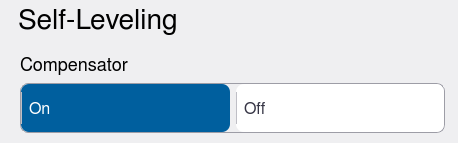
First make sure the Compensator is turned on. See Settings > General.
Next, check the level bubble in the status bar highlighted in yellow below to see if the level bubble is green or red.
-
If the level bubble is green then the scanner is level.
-
If the level bubble is red the scanner is unlevel. Tap the electronic level bubble in the status bar to open the full screen electronic bubble. Refer to Setting up the scanner section for instructions on leveling with the tribrach.
-
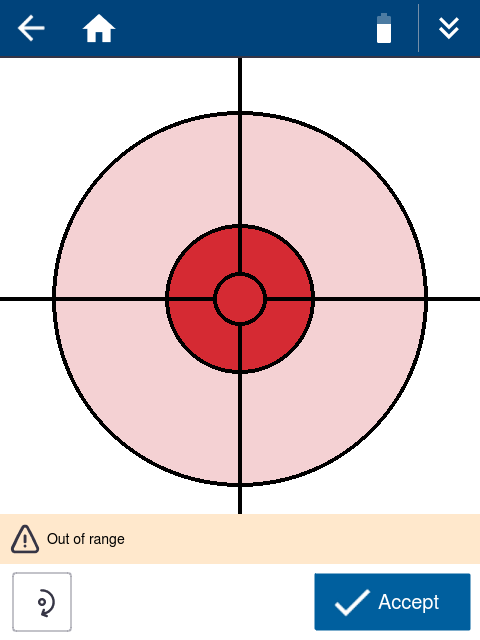
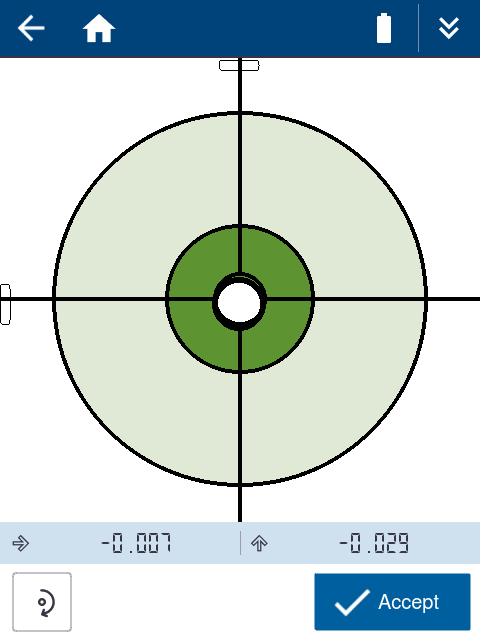
The electronic bubble will display in red without the bubble when the scanner is out of range and you must manually level the tripod until the white bubble appears for finer adjustment with the electronic bubble.
-
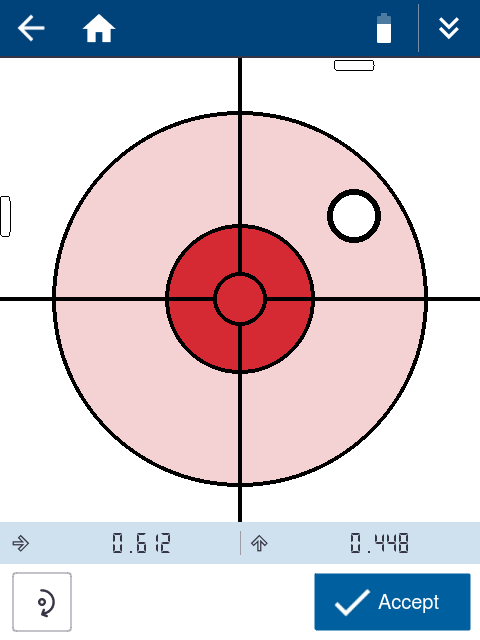
The electronic bubble will display red with the bubble outside of the red target area when the scanner is not leveled.
-
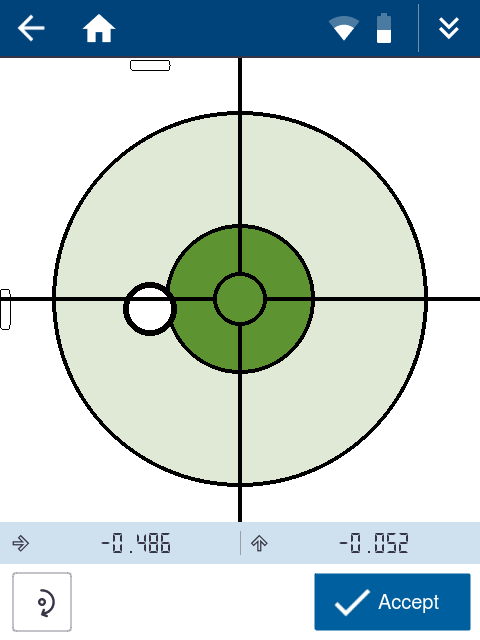
The electronic bubble will display green with the bubble inside the green target area when the scanner is leveled within compensation range of ±0.5°. The target will turn green once the bubble touches the outer edge of the target but it is important to center the bubble on the green target to ensure the scanner remains within compensation range throughout the full scan. Tap Accept when satisfied.
-
Tap
 to execute a level calibration. If you level the scanner perfectly and rotate 180° and it is no longer level then you should perform a level calibration. This may be required after transport or extended storage. The calibration makes two measurements at 0° and 180° to calculate and store the offset.
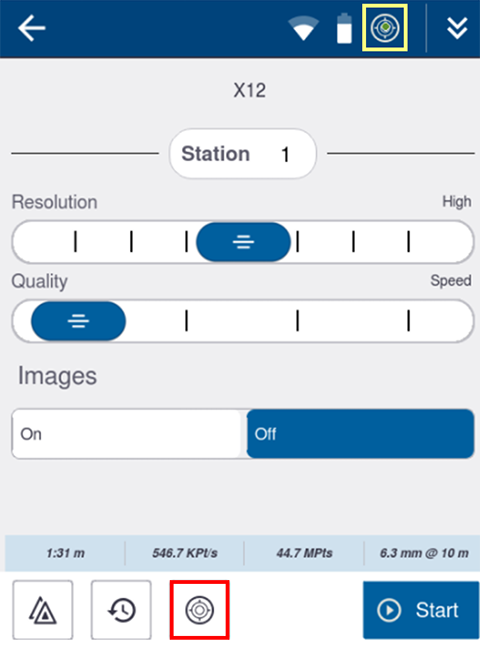
The level bubble in the status bar will dynamically update as the scanner is leveled.
